ACOS Quick Start: Zero to Production in 10 Minutes
TL;DR
Get Agentic Creator OS running in 10 minutes. Clone, install, configure, and run your first workflow. The fastest path from zero to AI-powered productivity.

Install ACOS and run your first automated workflow in under 10 minutes.
ACOS Quick Start: Zero to Production in 10 Minutes
From clone to creating in one coffee break.
TL;DR
git clone https://github.com/frankxai/agentic-creator-os.git
cd agentic-creator-os
./install.sh
claude
/acos
That's it. You now have 25 commands, 80+ skills, and 40+ agents. This guide walks through each step with explanations.
Prerequisites (2 minutes)
Before starting, you need:
| Requirement | How to Check | Install Link |
|---|---|---|
| Node.js 18+ | node --version | nodejs.org |
| Claude Code CLI | claude --version | claude.ai/claude-code |
| Git | git --version | git-scm.com |
Quick Check:
node --version    # Should show v18.x or higher
claude --version  # Should show claude-code version
git --version     # Should show git version
All good? Let's go.
Step 1: Clone the Repository (30 seconds)
# Clone ACOS
git clone https://github.com/frankxai/agentic-creator-os.git

# Enter the directory
cd agentic-creator-os

# Verify you're in the right place
ls
You should see:
README.md
CLAUDE.md
install.sh
.claude/
skills/
templates/
workflows/
departments/
mcp-servers/
Step 2: Run the Installer (1 minute)
# Make installer executable
chmod +x install.sh

# Run it
./install.sh
What the installer does:
- Copies commands to
~/.claude/commands/ - Copies skills to
~/.claude/skills/ - Sets up configuration files
- Validates your environment
You'll see output like:
[ACOS] Installing Agentic Creator OS v6.0...
[ACOS] Copying 25 commands...
[ACOS] Copying 80+ skills...
[ACOS] Setting up skill-rules.json...
[ACOS] Installation complete!
[ACOS] Run 'claude' then '/acos' to start.
Step 3: Launch Claude Code (30 seconds)
# Start Claude Code
claude
You're now in the Claude Code CLI. The ACOS context is automatically loaded because you're in the agentic-creator-os directory.
Step 4: Run Your First Command (1 minute)
/acos
You'll see the ACOS system status:

Available command examples:
/article-creatorwrite a blog post/create-musicproduce a track/specbuild a feature/infogeniusgenerate images/starlight-architectdesign AI systems
Step 5: Create Something (5 minutes)
Let's write a blog post to test the system:
/article-creator
ACOS will ask:
- Topic: What do you want to write about?
- Audience: Who's reading this?
- Goal: What should readers learn/do?
Example Session:
You: /article-creator

ACOS: What topic would you like to write about?

You: How to use AI for personal productivity

ACOS: [Loads content-strategy skill automatically]
      [Creates outline]
      [Drafts article with SEO optimization]
      [Offers to generate hero image]

# 5 minutes later: Complete, publish-ready article
What You Just Installed
25 Commands
| Category | Commands |
|---|---|
| Creation | /article-creator, /create-music, /infogenius, /factory |
| Strategy | /starlight-architect, /council, /research, /plan-week |
| Development | /spec, /nextjs-deploy, /ux-design, /automation-dev |
| System | /acos, /inventory-status, /mcp-status, /publish |
| Quality | /review-content, /classify-content, /polish-content |
80+ Skills (Auto-Activating)
Skills load automatically based on context:
- Say "write a blog" →
content-strategyloads - Say "build a feature" →
implementation-planningloads - Say "create music" →
suno-ai-masteryloads
40+ Agents
Specialized AI personas for different domains:
- Starlight Orchestrator: Meta-coordination
- Creation Engine: Content and products
- Frequency Alchemist: Music production
- Visionary: Strategy and foresight
Quick Command Reference
Content Creation
/article-creator              # Write a blog post
/create-music                 # Produce a Suno track
/infogenius                   # Generate research-grounded images
/factory                      # Full pipeline: research → publish
Strategy & Planning
/starlight-architect          # Design AI systems
/council                      # Multi-agent strategic council
/research                     # Intelligence gathering
/plan-week                    # Weekly content planning
Development
/spec                         # Spec-driven feature development
/nextjs-deploy                # Deploy to Vercel
/automation-dev               # Build MCP servers
System
/acos                         # Smart router (start here)
/inventory-status             # Content dashboard
/mcp-status                   # Check MCP servers
Customizing Your Setup
Change Your Brand Voice
Edit instances/frankx/config.json or create your own:
{
  "brand": {
    "name": "Your Brand",
    "voice": "professional, friendly, direct",
    "bannedPhrases": ["synergy", "leverage", "circle back"],
    "preferredPhrases": ["build", "create", "ship"]
  }
}
Add Custom Skills
Create a skill file in ~/.claude/skills/:
---
name: my-custom-skill
triggers:
  - keyword1
  - keyword2
---

# My Custom Skill

## When to Use

[Describe when this skill should activate]

## Patterns

[Your domain knowledge here]
Enable MCP Servers
Check which MCP servers are available:
/mcp-status
Configure in Claude Code settings for:
- Browser automation (Playwright)
- Image generation (Nano Banana)
- Music prompts (Lyric Genius)
- Memory persistence
Troubleshooting
"Command not found"
# Reinstall commands
cp agentic-creator-os/.claude/commands/*.md ~/.claude/commands/
Skills not auto-loading
# Check skill-rules.json exists
cat ~/.claude/skill-rules.json

# If missing, copy from repo
cp agentic-creator-os/.claude/skill-rules.json ~/.claude/
Claude Code not recognizing ACOS
Make sure you're in a directory with a CLAUDE.md file, or the agentic-creator-os directory itself.
Next Steps
You're set up. Here's where to go next:
| Goal | Resource |
|---|---|
| Understand the architecture | Complete Guide to ACOS v6 |
| Learn orchestration patterns | Swarm Intelligence |
| Find your workflow | Use Cases by Creator Type |
| Connect external tools | MCP Server Integration |
| Build custom skills | Building Custom Skills |
Frequently Asked Questions
How long does installation take?
Under 2 minutes for the clone and install. Another minute to verify everything works.
Do I need API keys?
Not for basic ACOS functionality. Some MCP servers (like image generation) may require API keys configured in your environment.
Can I use this with existing Claude Code projects?
Yes. ACOS commands and skills are additive. They won't interfere with your existing setup.
Is ACOS free?
Completely free and open source. No subscriptions, no paywalls, no limits.
Where do I report issues?
GitHub Issues: github.com/frankxai/agentic-creator-os/issues
Summary
| Step | Time | Action |
|---|---|---|
| 1 | 30s | git clone the repo |
| 2 | 1m | Run ./install.sh |
| 3 | 30s | Launch claude |
| 4 | 1m | Run /acos |
| 5 | 5m | Create your first content |
Total: ~8 minutes to first output.
Welcome to Agentic Creator OS.
Start creating. The system handles the rest.
GitHub | Full Documentation | FrankX
Related Articles
- ACOS Philosophy: Technology Amplifies — The guiding principle
- Building Custom Skills for ACOS — Extend the system
- Agentic Workflows That Save Hours — Patterns to copy
Build your first AI system
Step-by-step guide to setting up ACOS, creating your first agent, and shipping real products with AI.
Start buildingProduction-ready architecture
Download AI architecture templates, multi-agent blueprints, and prompt engineering patterns.
Browse templatesJoin the builder community
Connect with creators and architects shipping AI products. Weekly office hours, shared resources, direct access.
Join the circle
Read on FrankX.AI — AI Architecture, Music & Creator Intelligence
Stay in the intelligence loop
Weekly field notes on AI systems, production patterns, and builder strategy.
Continue Reading
Getting Started with Agentic Creator OS
Set up your own AI operating system in 30 minutes. Step-by-step guide to installing departments, MCP servers, and running your first automated workflow.
Read article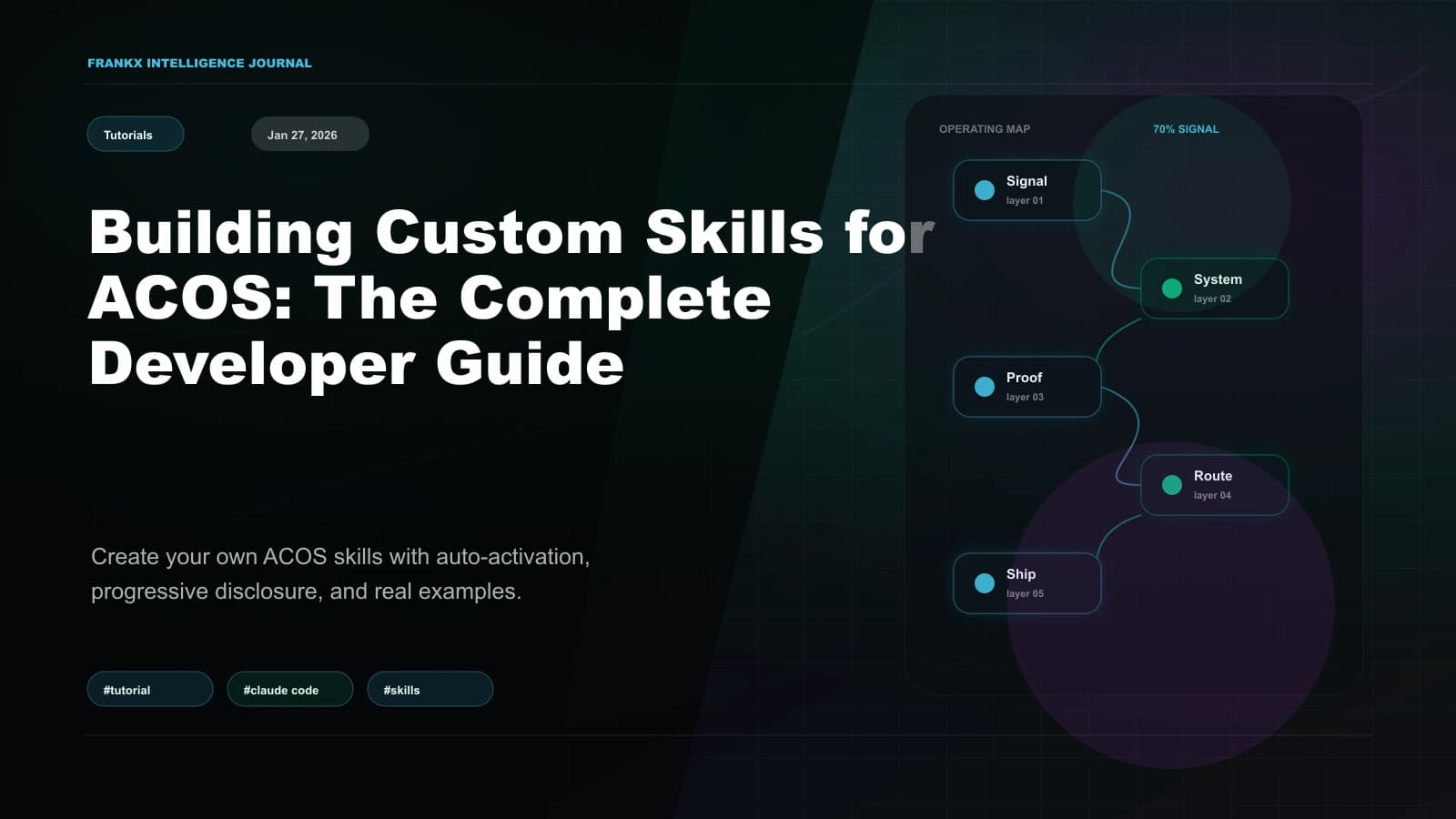
Building Custom Skills for ACOS: The Complete Developer Guide
Create your own ACOS skills with auto-activation, progressive disclosure, and real examples. From skill anatomy to publishing—the full tutorial.
Read article
MCP Server Integration: Connect ACOS to Everything
Master the Model Context Protocol. Learn how ACOS connects to browsers, databases, APIs, and external tools through 7 MCP servers. Build your own integrations.
Read article