How I Configured Claude Code with ACOS and 21 MCP Servers
TL;DR
ACOS turns Claude Code from a coding assistant into a complete creative production environment. This guide covers: installing Claude Code, configuring ACOS with 75+ skills and 38 agents, setting up MCP servers for your stack, creating CLAUDE.md project files, building custom slash commands, and deploying to production. Includes the exact configuration I use to ship frankx.ai.

You will have a fully configured AI coding environment — Claude Code with ACOS, MCP servers, custom skills, and agent profiles — shipping production code.
TL;DR
Raw Claude Code is powerful. ACOS-configured Claude Code is a different category of tool.
ACOS — Agentic Creator OS — is the configuration layer I built on top of Claude Code that turns a capable AI assistant into a full creative production environment. It ships with 75+ domain skills, 38 specialized agent profiles, 40+ slash commands, a custom hook system, and a memory architecture that keeps every project contextually aware.
This guide covers the exact setup process I use. By the end, you will have Claude Code installed, ACOS configured, MCP servers wired, and at least one custom skill and slash command you built yourself.
What ACOS Adds to Claude Code
| Layer | What it provides |
|---|---|
| Skills library | Domain-specific prompt rules loaded per task context |
| Agent profiles | Specialized personas that activate based on trigger keywords |
| Slash commands | One-command workflows: /frankx-ai-deploy ships to Vercel |
| CLAUDE.md | Project memory — brand voice, architecture decisions, anti-patterns |
| Hook system | Automated session logging, skill activation, pre/post-commit actions |
| MCP servers | Live connections to Vercel, GitHub, Linear, Notion, Slack, databases |
The net effect: when I type /frankx-ai-deploy, Claude Code reads the branch state, runs TypeScript checks, stages files, writes a commit message in my style, pushes to production, and confirms the Vercel deployment. One command. No mental overhead.
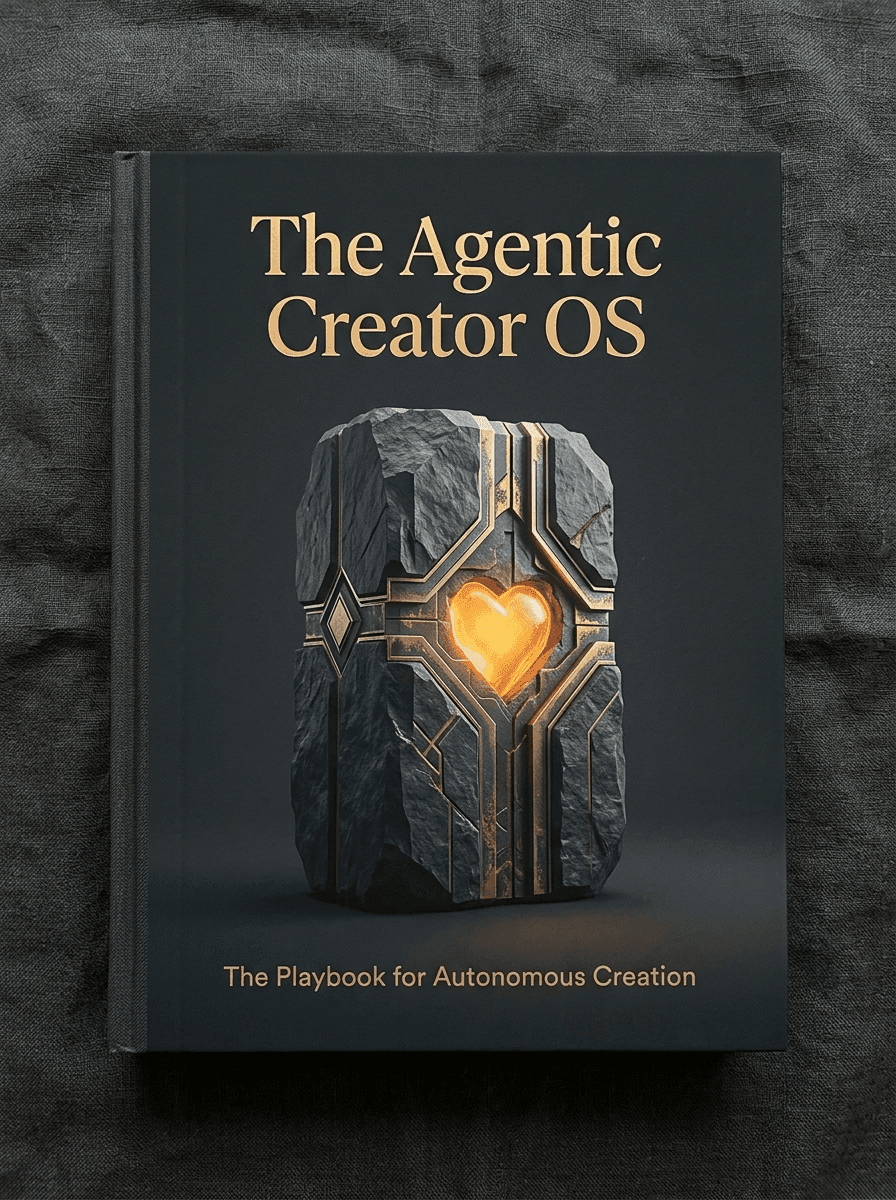
Download the Agentic Creator OS (ACOS) Playbook
Get the complete zero-headcount architecture manual covering the 6-layer operating loop, audio/video atomization, and quality gates.
Step-by-Step Setup
Step 1: Install Claude Code CLI
npm install -g @anthropic-ai/claude-code
claude
Follow the browser auth flow. Verify with claude --version.
Step 2: Understand the Configuration Architecture
~/.claude/                    # Global config
├── settings.json             # Permissions, hooks, model
├── commands/                 # Global slash commands
└── projects/                 # Per-project memory

your-project/
├── CLAUDE.md                 # Project instructions (MOST IMPORTANT)
├── .claude/                  # Project config
│   ├── commands/             # Project slash commands
│   └── skills/               # Project skills
└── .mcp.json                 # Shared MCP server definitions
Two rules: MCP servers live in ~/.claude.json (use claude mcp add). CLAUDE.md is your project's soul.
Step 3: Create Your CLAUDE.md
The CLAUDE.md file is what Claude Code reads at the start of every session. It encodes everything that matters:
# My Project Configuration

## Brand Voice

**DO:** Lead with results. Precise technical language.
**DON'T:** Grandiose claims. Over-explain philosophy.

## Architecture

- Next.js App Router
- Tailwind CSS + shadcn/ui
- Vercel deployment

## Anti-Patterns: NEVER Do

- Never rename working URLs
- Never delete pages with traffic
- Never commit .env files
Write rules for the mistakes you've already made. That's where the real value compounds.
Step 4: Set Up MCP Servers
# Essential stack for web developers
claude mcp add vercel -- npx -y @vercel/mcp-adapter
claude mcp add github -e GITHUB_TOKEN=token -- npx -y @modelcontextprotocol/server-github
claude mcp add sequential-thinking -- npx -y @anthropic/mcp-server-sequential-thinking

# Verify
claude mcp list
For the full MCP ecosystem, see The MCP Ecosystem in 2026.
Step 5: Install Skills
# Global skills — available across all projects
npx skills add vercel-labs/agent-skills -y -g
npx skills add vercel-labs/next-skills -y -g
npx skills add ibelick/ui-skills -y -g

# List installed
npx skills list -g
Step 6: Create Your First Custom Skill
mkdir -p .claude/skills/my-brand-voice
Create .claude/skills/my-brand-voice/SKILL.md:
# Brand Voice Skill

## Activation

Activates when: writing copy, blog posts, landing pages

## Core Rules

- Lead with outcomes, not features
- Paragraph lengths: mix short punches with longer technical explanations
- Never use empty superlatives or hyperbolic hype phrases

## Sentence Patterns

Good: "The build deploys in 43 seconds. No configuration required."
Bad: "Experience the incredible magic of effortless deployment!"
Step 7: Create Your First Slash Command
Create .claude/commands/deploy.md:
# /deploy

Deploy the current branch to production.

## Steps

1. Run TypeScript check: `npx tsc --noEmit`
2. Stage changed files (list them for review)
3. Write conventional commit message
4. Push to production
5. Confirm Vercel deployment

## Rules

- Never skip TypeScript check
- Never commit .env files
Run with claude /deploy.
The Agent Profiles System
Different tasks require different cognitive modes. Agent profiles define specialized personas that activate automatically:
# Technical Architect
role: AI Systems Designer
skills: [architecture-patterns, ai-agents-architect]
triggers: architecture, system design, backend, API

# Frontend Designer
role: UI/UX Specialist
skills: [web-design-guidelines, shadcn-ui, tailwind-css-patterns]
triggers: component, design, ui, ux

# SEO Intelligence
role: Search Optimizer
skills: [seo-fundamentals, seo-keyword-strategist]
triggers: seo, keywords, rankings, meta
When you ask "help me design the navigation component," the frontend-designer activates. Ask "how should I structure the database schema," the architect activates. ACOS ships with 38 of these.
ACOS Works With Any Coding Agent
With Cursor: Copy CLAUDE.md into .cursorrules. Skills files work as Cursor context.
With Cline/Roo Code: Drop agent profile definitions into their configuration. Skill files work as includable context.
With any tool: The CLAUDE.md pattern is universal. Any AI coding agent that supports project-level instructions benefits from a well-written CLAUDE.md.
The Production Workflow I Use
# Content creation
claude /frankx-ai-blog "MCP server setup for Next.js"

# UI development
claude /frankx-ai-components "testimonial card with glassmorphic treatment"

# Deploy to production
claude /frankx-ai-deploy

# Commit with context
claude /commit
Each command took 20-30 minutes to build. Collectively they've saved hundreds of hours.
Go Deeper
- ACOS — Full Documentation
- ACOS Zero to Production Quickstart
- Building Custom Skills for ACOS
- MCP Ecosystem 2026
- Personal AI Center of Excellence
FAQ
Do I need ACOS to use Claude Code effectively?
No. Claude Code is capable out of the box. ACOS is the configuration layer for serious, repeated use. Start with a good CLAUDE.md and a few slash commands — that alone delivers most of the value.
How long does the full ACOS setup take?
Core installation — 2-3 hours. The full 38-agent, 40-command system took months to build incrementally. Start with what you need today.
What's the difference between a skill and a slash command?
A skill shapes how the AI operates (rules and patterns). A command specifies what sequence of steps to execute. Skills are declarative. Commands are procedural.
Can I use ACOS with Python or Go projects?
ACOS is language-agnostic. The architecture — CLAUDE.md, agent profiles, slash commands, hooks — works with any language and framework.
What if Claude Code ignores my CLAUDE.md rules?
Usually a context length issue. Keep CLAUDE.md under 2,000 words. Front-load critical rules in the first 500 words. Use hooks for rules that must always be enforced.

Read on FrankX.AI — AI Architecture, Music & Creator Intelligence
Stay in the intelligence loop
Field notes on AI systems, production patterns, and builder strategy.
Continue Reading

ElevenLabs and Higgsfield: a faceless YouTube production workflow
Create a narration-led YouTube video with ElevenLabs voiceover, a timed visual plan, selective Higgsfield B-roll and a publication checklist.
Read article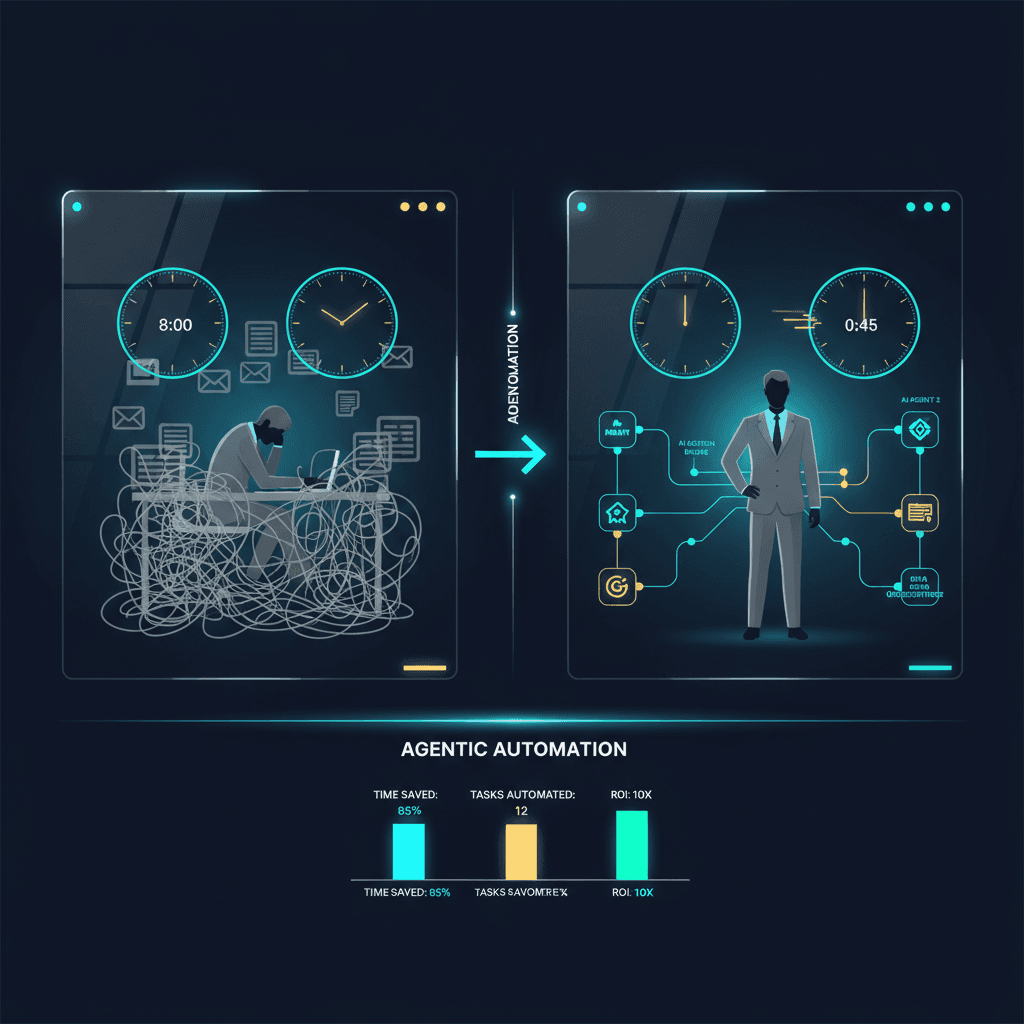
n8n Automation: 9 Workflows That Run My Creative Empire
Production n8n workflows for content atomization, newsletter automation, music catalog sync, research intelligence, and AI-orchestrated publishing pipelines.
Read article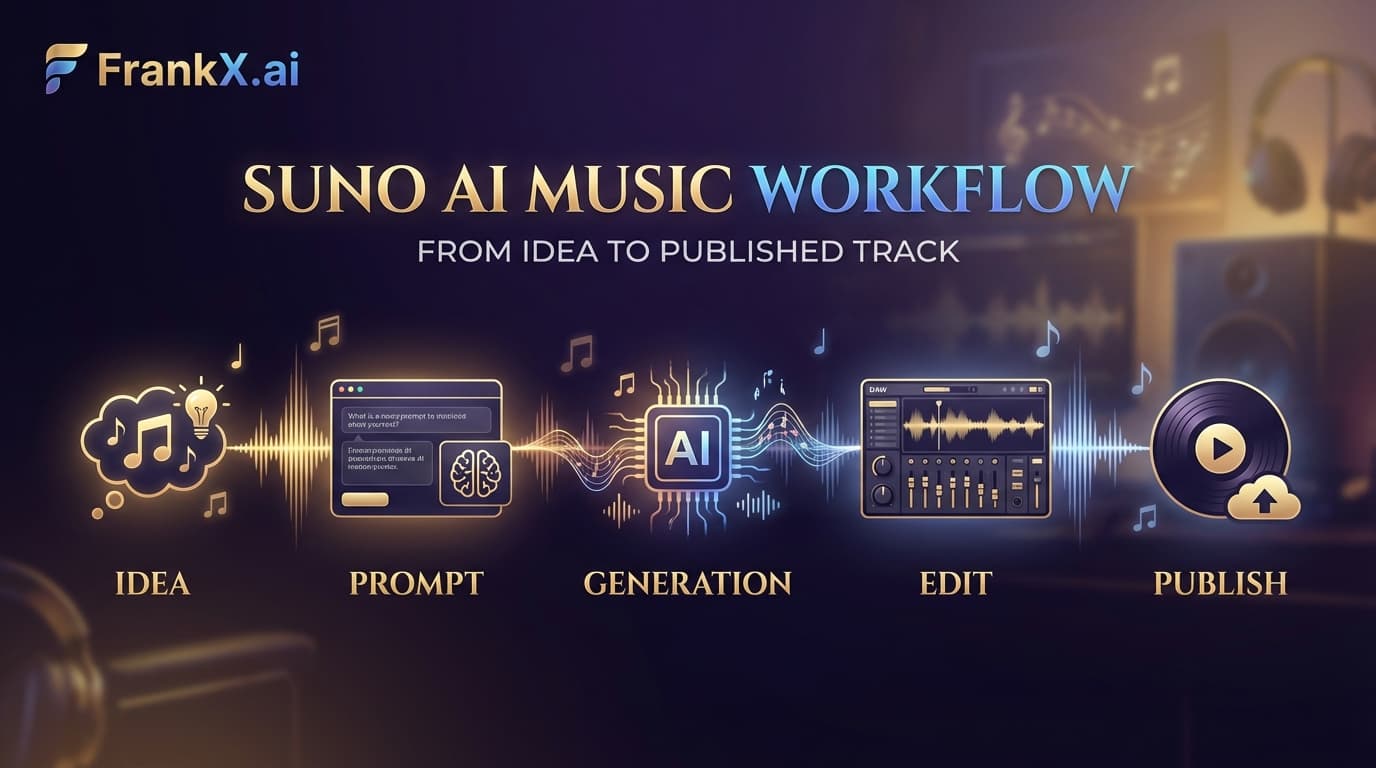
Suno AI: What the Practice Actually Taught
Production lessons from a Suno practice: prompt patterns that work, genres that stick, and the workflow that makes the music findable.
Read article