MCP Server Guide 2026: ClawHub, Smithery, and What to Install
TL;DR
The 2026 Model Context Protocol ecosystem has matured into a foundational standard for AI tool integration. Discover how registries like ClawHub and Smithery enable instant discovery, security auditing, and deployment of production MCP servers.

You will understand the MCP ecosystem — what servers exist, which registries to use, and how to connect AI assistants to your entire workflow.
TL;DR: Model Context Protocol is the universal connector layer that lets AI assistants reach into your real systems — your database, your codebase, your browser, your Slack. The ecosystem now has 2,000+ community-built servers, organized across four major registries. This post walks through the best servers by category, how to wire them into Claude Code and Claude Desktop, and the personal stack I run across every session.
What Is MCP, and Why Does It Exist?
Before MCP, connecting an AI assistant to an external tool meant one of two things: either the AI vendor hardcoded the integration (slow, limited, proprietary), or you wrote custom tool-calling logic for every API you cared about (fragmented, unmaintainable, per-model).
MCP — Model Context Protocol — solves this at the protocol level. It defines a standard way for AI models to discover, call, and receive results from external tools. The model doesn't need to know how your database works. It just needs to know that a server exists, what tools it exposes, and how to call them. The server handles everything else.
The USB-C analogy holds precisely here. Before USB-C, every device had its own connector. After USB-C, one port connects to monitors, storage, power, audio, and peripherals. MCP does the same for AI: one protocol, thousands of integrations, any model that speaks the spec.
Anthropic published the MCP specification in late 2024. Claude adopted it natively. Within months, the community had shipped hundreds of servers. By early 2026, the ecosystem crossed 2,000 publicly listed servers across all major registries — and the pace hasn't slowed.
The Architecture in 30 Seconds
An MCP setup has three parts:
- The host — the AI client (Claude Code, Claude Desktop, Cursor, Zed, etc.)
- The server — a process exposing tools over stdio or HTTP/SSE transport
- The tool — a discrete function the server exposes (e.g.,
query_database,create_issue,run_playwright)
The host discovers available tools at session start, then calls them on demand as the model determines they're needed. Results flow back as structured data the model can reason over. The whole loop is transparent — you can watch every tool call happen in real time.
The Major MCP Registries
The registry landscape consolidated quickly. Four platforms now index the majority of production-grade MCP servers.
| Registry | URL | Servers | Strength |
|---|---|---|---|
| ClawHub | clawhub.io | 800+ | Curated quality, install ratings, Claude Code native |
| Smithery | smithery.ai | 1,200+ | Largest index, one-click install, docs integration |
| mcp.run | mcp.run | 400+ | Sandboxed execution, hosted servers, no local install |
| Glama | glama.ai/mcp | 600+ | Security audits, enterprise focus, verified publishers |
| Anthropic Official | github.com/modelcontextprotocol/servers | 40+ | Reference implementations, first-party quality |
ClawHub
ClawHub positions itself as the curated tier. Every server listed has passed a basic functionality review, and user ratings surface the servers that actually hold up in production. The install command it generates works directly with claude mcp add. For Claude Code users specifically, ClawHub is where I start any server search.
Smithery
Smithery is the largest raw index. If you're looking for something obscure — a server for a specific SaaS tool, a niche database connector, a custom AI pipeline adapter — Smithery has the highest odds of surfacing it. The one-click install feature generates the right config for Claude Desktop automatically. Docs are pulled from each server's repository and rendered inline, which saves a lot of context-switching.
mcp.run
mcp.run takes a different architectural approach: servers run in a sandboxed cloud environment, so you never install anything locally. You connect once, and the servers are always available, always updated. This trades some customization for significant operational simplicity. For teams where everyone needs the same MCP stack without per-machine setup, mcp.run is compelling.
Glama
Glama focuses on enterprise readiness. Every server in its registry has been reviewed for security posture — no credential leakage, no unexpected network calls, no undocumented side effects. Verified publisher badges mean the code you're running matches the source you reviewed. For production systems where trust matters, Glama is the right starting point.
The Anthropic Official Repository
The official modelcontextprotocol/servers repo on GitHub ships reference implementations for the most common integrations: filesystem, GitHub, Google Drive, PostgreSQL, Slack, Brave Search, and more. These are the servers Anthropic builds and maintains directly. They're conservative by design — fewer features, higher stability, well-documented. Use them as the baseline before reaching for community alternatives.
Best MCP Servers by Category
Two thousand servers is noise. These are the ones that hold up across real workflows.
Developer Tools
| Server | What It Does | Source |
|---|---|---|
@modelcontextprotocol/server-github | PRs, issues, code search, commits | Anthropic official |
@modelcontextprotocol/server-filesystem | Read/write local files with path controls | Anthropic official |
@playwright/mcp | Full browser automation — click, fill, screenshot | Microsoft |
@anthropic/sequential-thinking | Structured multi-step reasoning tool | Anthropic |
@modelcontextprotocol/server-git | Local git operations: log, diff, blame, branch | Anthropic official |
Sequential-thinking deserves a specific note. It's not a connector to an external system — it's a reasoning scaffold. It gives the model a tool to think step-by-step through complex problems before acting. The difference in output quality on ambiguous tasks is measurable. I run it in every session.
Playwright is the browser automation standard. Web scraping, UI testing, form filling, screenshot capture — one server, full browser control. Pair it with the filesystem server and you have a complete web research pipeline that writes its own notes.
Databases
| Server | Databases Supported | Notable Features |
|---|---|---|
@modelcontextprotocol/server-postgres | PostgreSQL | Read-only by default, schema introspection |
supabase/mcp-server-supabase | Supabase (Postgres + Auth + Storage) | Project management, edge function deploy |
neon-tech/mcp-server-neon | Neon serverless Postgres | Branch management, instant provisioning |
@modelcontextprotocol/server-redis | Redis | Key inspection, pub/sub monitoring |
qdrant/mcp-server-qdrant | Qdrant vector DB | Semantic search, collection management |
The Supabase server stands out because it covers the full platform, not just the database. You can create tables, manage auth policies, deploy edge functions, and inspect storage buckets — all through natural language. For projects built on Supabase, this eliminates most dashboard time.
Cloud and DevOps
| Server | Platform | Capabilities |
|---|---|---|
vercel/mcp-server-vercel | Vercel | Deployments, logs, env vars, project config |
railway/mcp-server-railway | Railway | Service deploy, env vars, metrics, domains |
cloudflare/mcp-server-cloudflare | Cloudflare | Workers, D1, KV, R2, DNS management |
The Vercel server is the one I use most. Deployment status, build logs, environment variable management, preview URL inspection — all without leaving the conversation.
Productivity
| Server | Platform | Key Tools |
|---|---|---|
@modelcontextprotocol/server-slack | Slack | Message channels, search, thread replies |
@modelcontextprotocol/server-notion | Notion | Page read/write, database queries, search |
linear/mcp-server-linear | Linear | Issues, projects, cycles, team management |
AI and Memory
| Server | Purpose | Notes |
|---|---|---|
mem0ai/mem0-mcp | Persistent cross-session memory | User profiles, preferences, context recall |
anthropic/mcp-server-memory | In-session knowledge graph | Entity relationships, fact storage |
chroma-core/chroma-mcp | Chroma vector DB | Local RAG, document embedding, semantic search |
Memory servers are the unlock for AI that feels continuous rather than amnesiac. The mem0 server persists facts across sessions — preferences, project context, recurring patterns — so the model starts each session already knowing what matters.
Setting Up MCP in Claude Code
Claude Code manages MCP configuration through the claude mcp command. Servers are stored in ~/.claude.json under projects.<path>.mcpServers.
The Add Command
# Basic server from npm
claude mcp add sequential-thinking -- npx -y @anthropic/mcp-server-sequential-thinking

# Server with environment variables
claude mcp add vercel -e VERCEL_TOKEN=your_token -- npx -y @vercel/mcp-adapter-vercel

# Verify what's installed
claude mcp list
The -- separator is required. Everything after it is the command Claude Code runs to start the server. The -e flag injects environment variables — the correct way to pass credentials without hardcoding them.
My Personal MCP Stack (21 Servers)
I run 21 MCP servers across my Claude Code sessions. The architecture is layered: foundation servers that apply to everything, then project-specific integrations scoped per repository.
Foundation Layer (Global)
| Server | Role |
|---|---|
sequential-thinking | Structured reasoning on every complex task |
memory | Cross-session knowledge graph |
filesystem | Local file read/write with controlled paths |
playwright | Browser automation for research and testing |
Infrastructure Layer (Global)
| Server | Role |
|---|---|
vercel | Deployment management, build logs, env vars |
railway | Railway service management and metrics |
n8n | Workflow triggering, execution monitoring |
resend | Email sending, audience management |
AI Layer
| Server | Role |
|---|---|
nanobanana | Image generation via Gemini |
chroma-mcp | Local vector search and RAG |
The total comes to 21 servers, but not all are active in every session. Claude Code's project scoping means servers only load for the projects that need them.
Common Pitfalls and Debugging
The mcp-doctor Tool
The mcp-doctor server exposes diagnostic tools directly to the model. Once installed, you can ask Claude to run a health check on all connected servers. It inspects each server, tests connectivity, validates credentials, and reports status. It's the fastest way to debug a broken stack. Read more in the mcp-doctor guide.
Hook Script Failures
If you use Claude Code hooks, run them with explicit bash or node prefixes in settings.json. Claude Code invokes hooks via /bin/sh, which doesn't execute shebangs.
Transport Mismatches
MCP supports two transports: stdio (local process) and HTTP/SSE (remote). Most servers use stdio. If a server requires HTTP/SSE — common for hosted servers on mcp.run — the config syntax differs and needs transport: "sse" plus the URL.
Where the Ecosystem Is Going
Hosted server infrastructure is maturing. mcp.run's sandboxed approach removes local installation entirely.
Enterprise registries with security audits and SLA guarantees are emerging. Glama leads here.
Multi-model MCP is arriving. OpenAI, Google, and Mistral are shipping MCP support. The protocol is becoming the actual standard.
For deeper analysis, the MCP Ecosystem Research page tracks what's shipping each month.
For building your own servers, the MCP Server Architecture Workshop covers the full implementation.
For the protocol-level changes in Claude 2.1, the MCP Revolution post covers what made this ecosystem possible.
FAQ
What's the difference between MCP and function calling?
Function calling is the mechanism inside the model for invoking tools. MCP is the protocol that defines what tools exist, how they're discovered, and how results are returned. MCP uses function calling under the hood — it's the standardized layer on top that makes tools portable across models and clients.
Do I need to run MCP servers locally?
Both local and remote options work. Local servers (stdio transport) run as subprocesses — faster, no latency, but require local installation. Remote servers (HTTP/SSE transport) run on external infrastructure — no setup, but dependent on network. mcp.run specializes in hosted remote servers.
How many MCP servers can I run at once?
Each server is a process consuming 80-200MB of memory. On 12GB of RAM, I keep active sessions to 3-5 servers. Project scoping helps: servers only load for the projects that need them.
Are MCP servers safe?
A malicious server could read and transmit data. This is why registries matter: Glama audits for unexpected network calls and credential handling. The model's tool calls are logged — you can see exactly what each server does.
Can I write my own MCP server?
Yes. The official SDK exists for TypeScript and Python. A minimal server is roughly 50 lines of code. The MCP Server Architecture Workshop covers the full implementation.
Does MCP work with models other than Claude?
In 2026, yes — increasingly. OpenAI's API added MCP support in early 2026. Cursor and Zed support MCP natively. The spec is open and model-agnostic.

Read on FrankX.AI — AI Architecture, Music & Creator Intelligence
Stay in the intelligence loop
Field notes on AI systems, production patterns, and builder strategy.
Continue Reading
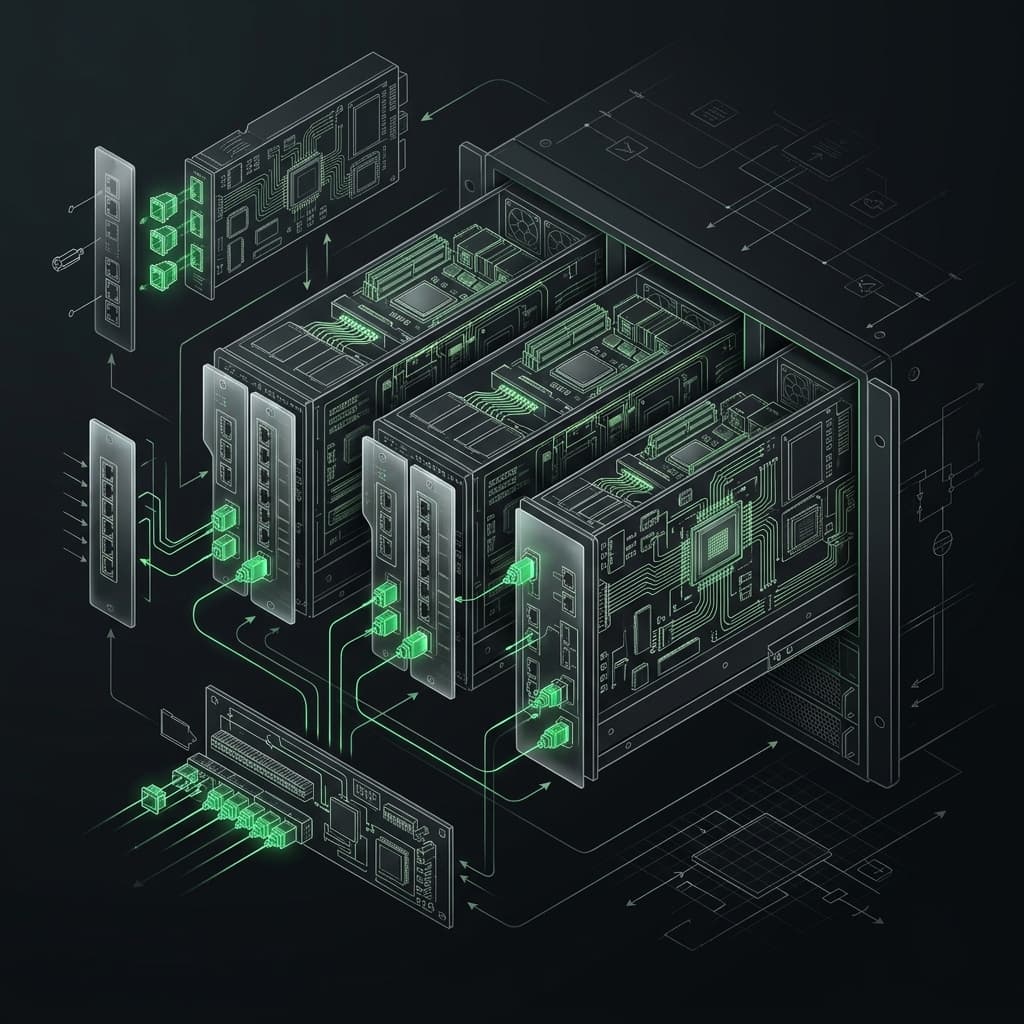
Build Your First MCP Server: The Model Context Protocol Workshop
Learn to build production-grade MCP servers that connect AI to your data. Master resources, tools, and prompts with the open standard revolutionizing AI integration.
Read article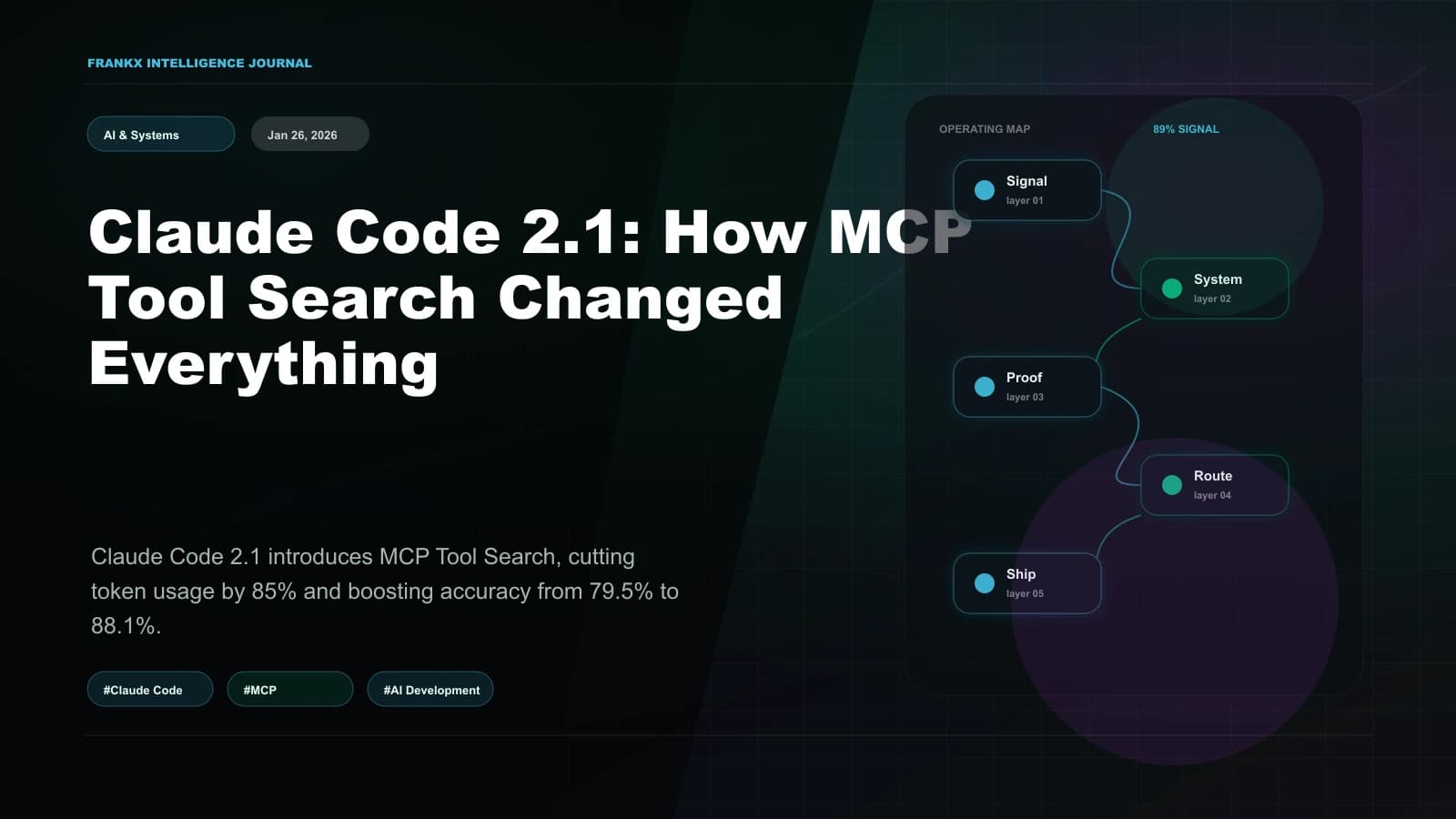
Claude Code 2.1: How MCP Tool Search Changed Everything
Claude Code 2.1 introduces MCP Tool Search, cutting token usage by 85% and boosting accuracy from 79.5% to 88.1%. An architectural analysis of the biggest productivity upgrade since launch.
Read article
The Ultimate n8n Workflow in 2026
The complete 2026 guide to building production n8n workflows: self-host vs cloud, the AI Agent node, MCP Server Trigger and Client Tool, content repurposing, RAG, and wiring n8n as the ...
Read article