n8n Automation: 9 Workflows That Run My Creative Empire
TL;DR
I run 9 active n8n workflows that automate my creative empire — from morning intelligence briefs to content atomization to music catalog sync. This guide walks through each workflow architecture, the nodes involved, and how to build your own. Total setup cost: $5/month on Railway. Time saved: 15+ hours per week.

You will understand how to build production n8n workflows that automate content distribution, research gathering, music publishing, and newsletter delivery.
TL;DR: Nine workflows. One Railway instance. $5/month. I automated my morning research brief, weekly strategy digest, content distribution across X and LinkedIn, newsletter delivery, music catalog syncing, and market monitoring — all running while I create. This guide breaks down every workflow: its purpose, its nodes, and how to build your own.
Why n8n for Creators
Most automation tools make you rent your own workflows. Zapier charges per task. Make charges per operation.
n8n is different in three ways:
Self-hosted and open-source. Deploy to Railway, own the instance, own the data. $5/month for everything.
Webhook-first architecture. Every external system can trigger or receive data via simple POST requests. My website calls n8n. My AI agents call n8n. n8n calls everything else.
AI nodes with real models. Support for OpenAI, Anthropic, Google Gemini, and any OpenAI-compatible endpoint. I use Gemini Flash Lite for speed, Claude for quality.
The 9 Active Workflows
1. Morning Intelligence Brief
7 nodes | Daily at 7:00 AM UTC
Aggregates RSS feeds, passes headlines through Gemini Flash Lite for AI summarization, sends a 5-bullet formatted digest to Slack #morning-brief.
I read 30 sources worth of signal in 90 seconds, every morning, without opening a browser.
2. Strategic Intelligence Brief
9 nodes | Sundays at 8:00 PM UTC
Deeper weekly analysis — trend identification, competitive signals, "what to do about it" recommendations. Uses Claude (not Gemini) because strategic analysis requires synthesis and nuanced judgment. Saves to Notion Intelligence Vault.
3. Content Atomizer
6 nodes | Webhook: POST /atomize
Takes a blog post → AI atomizes into X thread + LinkedIn post + newsletter snippet → sends all three to Slack #content-review for human approval.
Human-in-the-loop design: Nothing publishes automatically. I edit in Slack, then copy to platforms. AI drafts, human approves.
The Mega Orchestrator calls this webhook when it receives a CONTENT command — meaning I can trigger atomization from anywhere: Slack, my website, or Claude Code.
4. Newsletter Engine
8 nodes | Webhook: POST /newsletter-send
Fetches newsletter draft from Notion → validates required fields → Claude polish pass → sends via Resend → marks as "Sent" in Notion → confirms in Slack.
5. Music Catalog Sync
7 nodes | Daily at 8:00 AM UTC
Monitors for new Suno tracks → diffs against current music.json → AI generates genre tags, mood labels, descriptions → upserts to website via admin API → logs to Slack.
Without this, every new track means manually updating JSON, writing descriptions, tagging genres. Now it happens automatically within 24 hours of creation.
6. Mega Orchestrator
12 nodes | Webhook: POST /orchestrate
The central router. Receives any command in format {command: "CONTENT: ...", userId: "frank"}, parses intent (CONTENT, NEWSLETTER, MUSIC, VIDEO, RESEARCH), routes to the correct downstream workflow.
Any system that can send HTTP POST can trigger any workflow in my stack. One endpoint, universal access.
7. RSS Monitor
5 nodes | Every 4 hours
Tracks competitor blogs and AI research publications. Scores each item by keyword relevance. Only surfaces items scoring 8/10+ to Slack #research-signals. Kills the noise.
8. CoinGecko Pulse
6 nodes | Daily at 9:00 AM UTC
Monitors crypto market conditions. Flags movements above ±10%. AI generates one-sentence market context for each flagged asset. Logs daily snapshot to Google Sheets.
9. Research Intelligence Hub
10 nodes | Wednesdays at 6:00 PM UTC
Aggregates Hugging Face papers, arXiv, GitHub trending, curated feeds → deduplicates and ranks → Claude synthesizes "Research Intelligence Report" → saves to Notion database → queues for potential blog conversion.
Over time, this becomes a searchable intelligence archive. When writing a blog post, I query the archive instead of researching from scratch.
Architecture Patterns
Webhook-First Design
Two rules that save hours of debugging:
- Always set
httpMethod: "POST"explicitly. Default behavior varies by version. - Always include a
webhookIdproperty. Without it, n8n generates a random path on every activation. Your URLs break on every workflow update.
AI Model Selection
- Gemini Flash Lite: High-frequency tasks, speed-critical flows (RSS summarization, metadata enrichment, scoring). Under 2 seconds, fractions of a cent.
- Claude (Haiku or Sonnet): Quality-critical generation — newsletter copy, strategic analysis, anything humans read without heavy editing.
Pattern: Gemini for triage and transformation, Claude for creation.
Human-in-the-Loop via Slack
Fully automated publishing is the wrong goal for a creator. Your audience follows you for your judgment. Every workflow that produces public-facing content routes through Slack review before publishing.
Error Handling
Every workflow includes:
- Error Trigger workflow → posts failures to
#n8n-errorsin Slack - Try/Catch patterns in Code nodes
- HTTP Request nodes with "Continue on Fail" + IF check
Setup: n8n on Railway
# Required environment variables
N8N_BASIC_AUTH_ACTIVE=true
N8N_BASIC_AUTH_USER=your_username
N8N_BASIC_AUTH_PASSWORD=your_secure_password
N8N_HOST=your-instance.railway.app
N8N_PROTOCOL=https
N8N_PORT=5678
WEBHOOK_URL=https://your-instance.railway.app/
N8N_TRUST_PROXY=true
EXECUTIONS_DATA_SAVE_ON_ERROR=all
EXECUTIONS_DATA_SAVE_ON_SUCCESS=all
N8N_TRUST_PROXY=true is non-negotiable on Railway. Without it, webhook URLs generate with incorrect protocol and calls fail silently.
Cost: Railway Hobby plan at $5/month covers 9 active workflows running daily.
Common Mistakes
Not deactivating/reactivating after workflow updates. Webhook registration doesn't update automatically. Deactivate → save → reactivate.
Missing execution save variables. Without EXECUTIONS_DATA_SAVE_ON_ERROR=all, n8n discards history. You cannot debug what you cannot see.
Hardcoding webhook URLs. Store the base URL in an environment variable. Update once, propagate everywhere.
Using GET for webhook triggers. Always use POST. GET has URL length limits that truncate payloads.
How n8n Connects to ACOS
ACOS agents communicate through the Mega Orchestrator webhook. An agent that completes a content draft calls POST /orchestrate with {command: "CONTENT: [draft]"}. The orchestrator routes to the Content Atomizer. Social assets appear in Slack for review.
This is what a personal AI Center of Excellence looks like in practice — specialized tools and workflows that compound creative output without compounding manual effort.
The 9 workflows represent ~40 hours of build time. They save 15+ hours per week. Payback period: under three weeks. Read the full context on why this matters.
FAQ
How long to build all 9 workflows?
40-60 hours across several weeks if learning n8n. 20 hours if experienced. Start with Morning Brief and RSS Monitor — simplest to build, fastest to learn from.
Do I need coding experience?
Basic JavaScript literacy for Code nodes. Most are 10-30 lines that parse data, filter arrays, or format strings.
Can I use n8n Cloud instead of self-hosting?
Yes — $20/month, fully managed, handles updates. If your time is worth more than $15/month in savings, use Cloud.
How do I trigger workflows from outside n8n?
POST request to the webhook URL with JSON body. From Claude Code, your website, Slack — anywhere that makes HTTP requests.
What happens when a workflow fails?
Error Trigger catches failures and posts to #n8n-errors in Slack within seconds. Most failures are transient API issues — n8n's retry handles them automatically.

Read on FrankX.AI — AI Architecture, Music & Creator Intelligence
Stay in the intelligence loop
Field notes on AI systems, production patterns, and builder strategy.
Continue Reading
ElevenLabs and Higgsfield: a faceless YouTube production workflow
Create a narration-led YouTube video with ElevenLabs voiceover, a timed visual plan, selective Higgsfield B-roll and a publication checklist.
Read article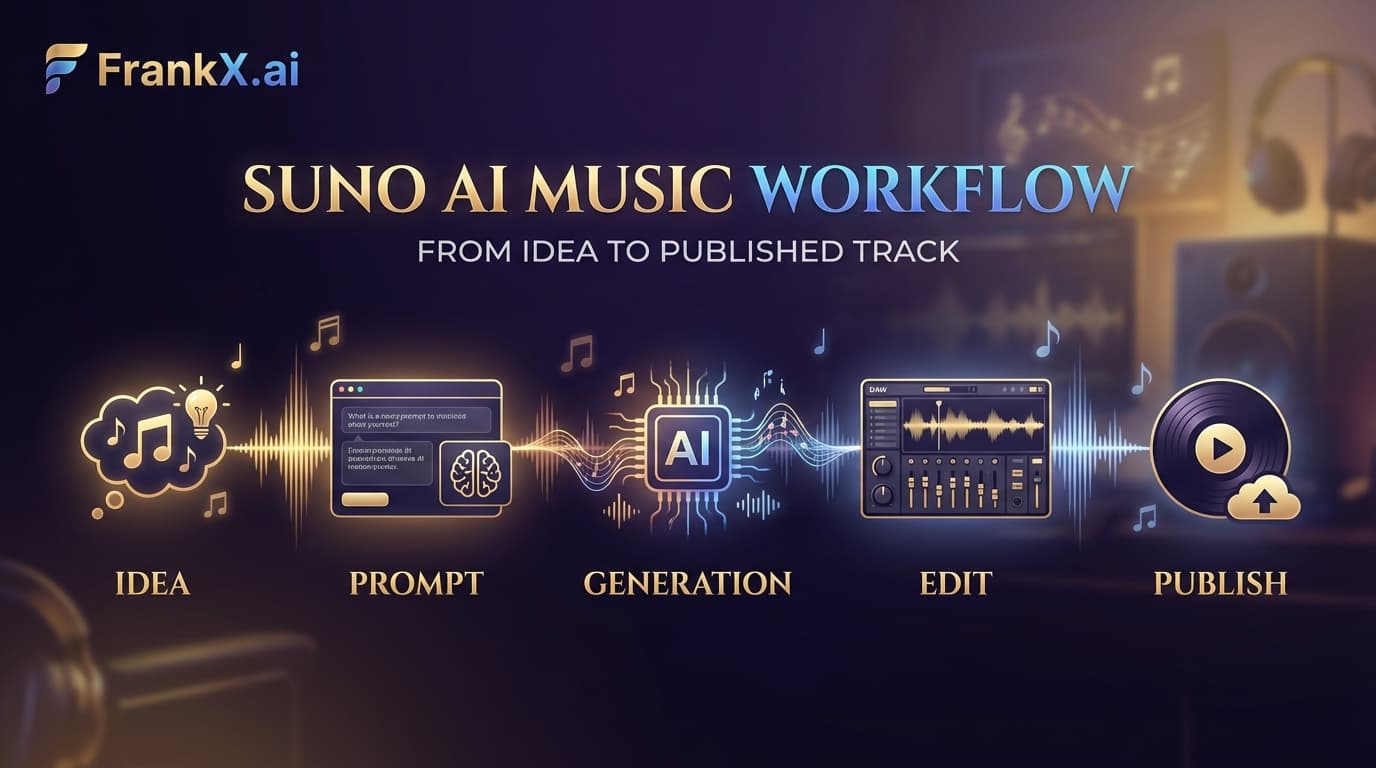
Suno AI: What the Practice Actually Taught
Production lessons from a Suno practice: prompt patterns that work, genres that stick, and the workflow that makes the music findable.
Read article
How I Configured Claude Code with ACOS and 21 MCP Servers
Step-by-step guide to building a production-grade AI coding environment with ACOS, Claude Code, MCP servers, and custom agent workflows. From zero to shipping.
Read article