AI Coding Agents in 2026: Claude Code, Codex, OpenCode & What to Install
TL;DR
Pick the CLI that matches the subscription you already pay for. Claude Code if you pay Anthropic. Codex CLI if you pay OpenAI. OpenCode if you need to bring your own model. Then give the agent a repo, a done-when, and a draft PR. The rest of this page is the loop, the official install commands, and the files that make tomorrow's session cheaper.

Choose the right AI coding agent CLI for your workflow, install it natively, and run a safe developer loop.
If you already pay for Claude, start with Claude Code. If you already pay for ChatGPT, start with Codex CLI. If you need a terminal that can change models, start with OpenCode.
That is the whole decision for most founders. The rest of this page is how to keep the agent inside one repo, with a done-when you can review.
I am not ranking these tools. I did not rerun SWE-bench for this revision. Third-party writeups in 2026 keep trading Claude Code and Codex at the top of different benches. Treat those numbers as someone else's homework until you have your own failing test.
Which coding agent should a founder start with?
Match the tool to the bill you already pay. Capability at the top is close enough that switching ecosystems for a blog-post ranking is usually a waste of a week.
| Start here | You already pay for | Official docs | What it is good at on paper |
|---|---|---|---|
| Claude Code | Claude / Anthropic API | code.claude.com | Terminal agent, checkpoints, subagents, MCP, hooks. Native installer, not a random npm package. |
| Codex CLI | ChatGPT / OpenAI API | developers.openai.com/codex/cli | Rust CLI plus IDE extension plus Codex Cloud. Documented sandbox modes and codex exec for headless runs. |
| OpenCode | Whatever model you bring | opencode.ai/docs | Client/server terminal that is model-agnostic. Local LLM paths exist. Confirm the install on their docs; the package name has moved before. |
| Gemini CLI | Google AI / Gemini Code Assist | github.com/google-gemini/gemini-cli | Open-source Google CLI. Vendor news, June 2026: Google began moving individual Gemini CLI users toward Antigravity CLI. Enterprise Code Assist licenses were described as keeping Gemini CLI. Check Google's current post before you standardise on the binary name. |
| Grok / xAI | xAI | Field notes on this site: graph-engineering-grok-build | Useful when Grok is already in the loop. I am not publishing an install one-liner I did not re-verify today. |
Cursor, Cline, Copilot, Aider, and Devin still exist. They are editors, extensions, or cloud agents. If your team lives in VS Code and refuses the terminal, start there and skip the rest of the CLI table.
For a wider August 2026 snapshot, see AI agents worth evaluating. For the model layer rather than the harness, see ChatGPT vs Claude vs Gemini and the Gemini 3.7 Flash shipping note.
What does a coding agent actually do in a repo?
A coding agent is a loop with tools. The model proposes the next action. The harness runs it. You own the permission boundary.
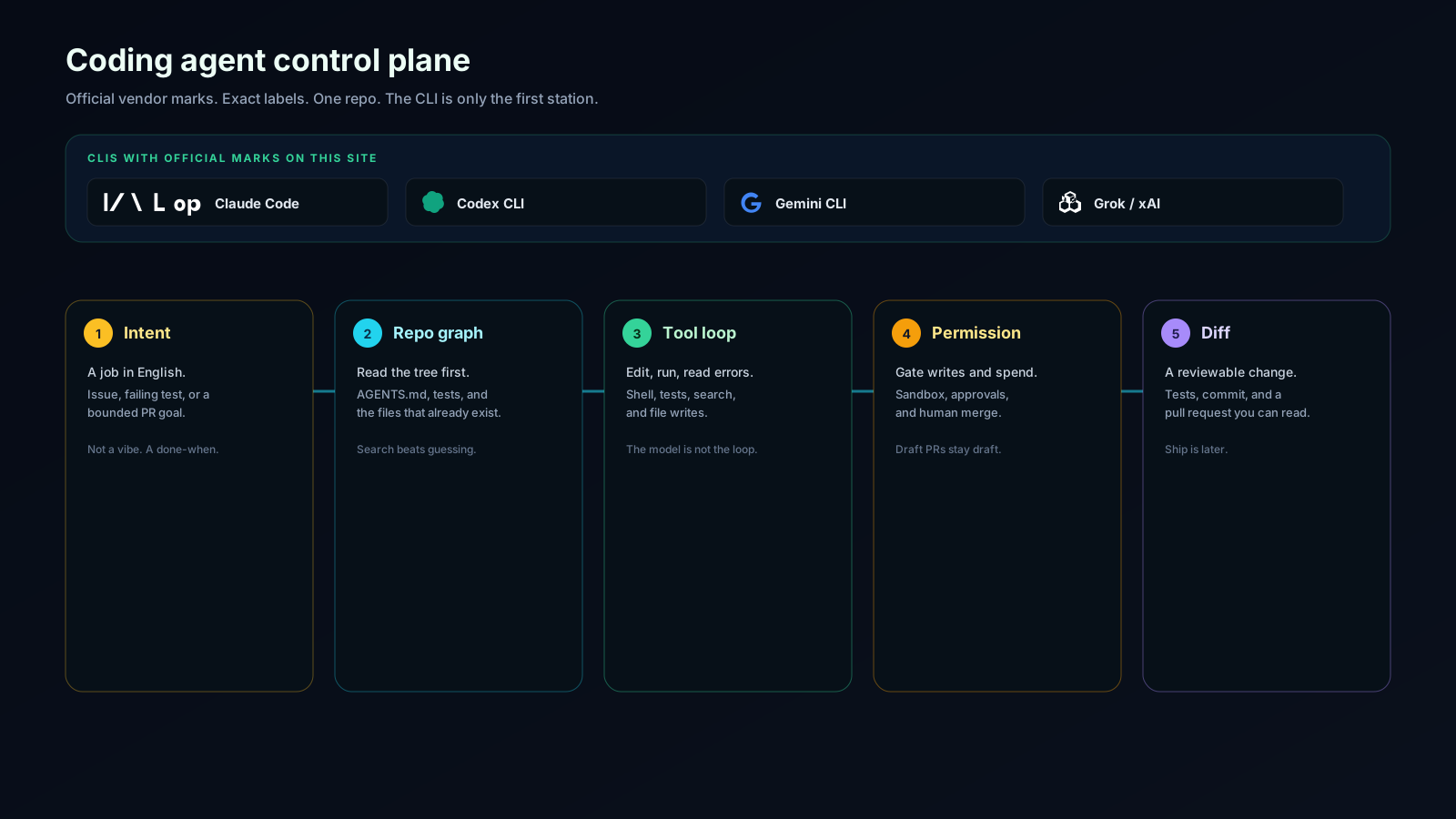
Five stations:
- Intent. A job with a done-when. "Make auth nicer" is not a job. "Add a failing test for expired sessions, then make it pass, open a draft PR" is a job.
- Repo graph. The agent reads the tree that exists.
AGENTS.md, tests, and the files already on disk beat a hallucinated architecture. - Tool loop. Search, edit, run, read the error, repeat. The model is the planner. The loop is the product.
- Permission. Writes, network, and spend stay gated. Draft PRs stay draft. Production deploys stay human.
- Diff. You review a change you can revert. If you cannot read the diff, the session failed even if tests went green.
That loop is the same whether the binary is claude, codex, or opencode. Brand is station zero.
How do you install Claude Code, Codex, and OpenCode from official docs?
Copy from the vendor page if these drift. They do.
Claude Code, from Anthropic's native install docs:
curl -fsSL https://claude.ai/install.sh | bash
claude
Windows PowerShell:
irm https://claude.ai/install.ps1 | iex
After install, claude install updates the native binary. Anthropic still documents a Git for Windows dependency on Windows. Do not treat @anthropic-ai/claude-code on npm as the current default path unless their docs still say so the day you install.
Codex CLI, from OpenAI:
curl -fsSL https://chatgpt.com/codex/install.sh | sh
codex
Windows PowerShell:
irm https://chatgpt.com/codex/install.ps1 | iex
Documented alternatives: npm i -g @openai/codex and brew install --cask codex. Headless runs use codex exec.
OpenCode, from their docs:
curl -fsSL https://opencode.ai/install | bash
They also document npm i -g opencode-ai@latest. If a blog still says npm i -g opencode, that page is stale. OpenCode's own docs are the source.
Which files make the agent useful tomorrow?
The January version of this article called this an "evolution framework." The useful part was always three files and a test command.
AGENTS.mdorCLAUDE.mdin the repo root. How we build, what not to touch, which commands are truth. How to write a CLAUDE.md that works is the long version.- A test or typecheck the agent can run. If the only verification is "looks good to me," you hired a ghostwriter for git.
- A permission story. What the agent may write. What stays human: production, DNS, spend, secrets, force-push.
That is the whole "maturity model." You can grow into MCP, subagents, and overnight loops later. Most solo teams never need a six-level diagram.
Field notes from this estate, one harness at a time:
If you are choosing an app builder rather than a repo agent, use Best AI app builders 2026 instead of this page.
When does MCP matter?
MCP matters when the agent must use a tool you already trust: GitHub, a database, a browser, a design file. It does not matter on day one of "make this test pass."
Add a server when you have a repeated job the CLI cannot see. Then pin versions and treat the server as production-adjacent. Random MCP marketplaces are how secrets leak.
What this page used to get wrong
The January 2026 draft read like an internal workshop handout. It ranked Claude Code as the default "best experience," skipped Codex and OpenCode, invented a six-level evolution ladder, and claimed reputable agents process code without storing it. That last claim is a contract, not a vibe. I pulled it.
It also pointed at a workshop slug that was never the job of this article. If you want the ongoing notes, the newsletter and Agent Hub are the live surfaces.
FAQ
What is the best AI coding agent in 2026? There is no bake-off here. Start with the CLI tied to the plan you already pay for.
Can I run one locally? Yes, with a local model behind OpenCode, Aider, or Cline, plus something like Ollama. Frontier refactors still trail hosted models. That is an observation from the public 2026 conversation, not a bench I reran tonight.
Will the agent overwrite main? Only if you let it. Keep write access on a branch. Open draft PRs. Merge stays human.
Do I need Claude, Codex, and Gemini all at once? No. Two CLIs is already a coordination cost. One CLI plus a second model via OpenCode is enough for most founder repos.
Should every article show which LLM wrote it? Only if it helps the reader trust the page. This revision was edited in Hermes Agent on 30 August 2026, against official Claude Code, Codex, and OpenCode docs. One sentence. No badge wall.
If you want the next note when these installers move again, subscribe.

Read on FrankX.AI — AI Architecture, Music & Creator Intelligence
Stay in the intelligence loop
Field notes on AI systems, production patterns, and builder strategy.
Continue Reading
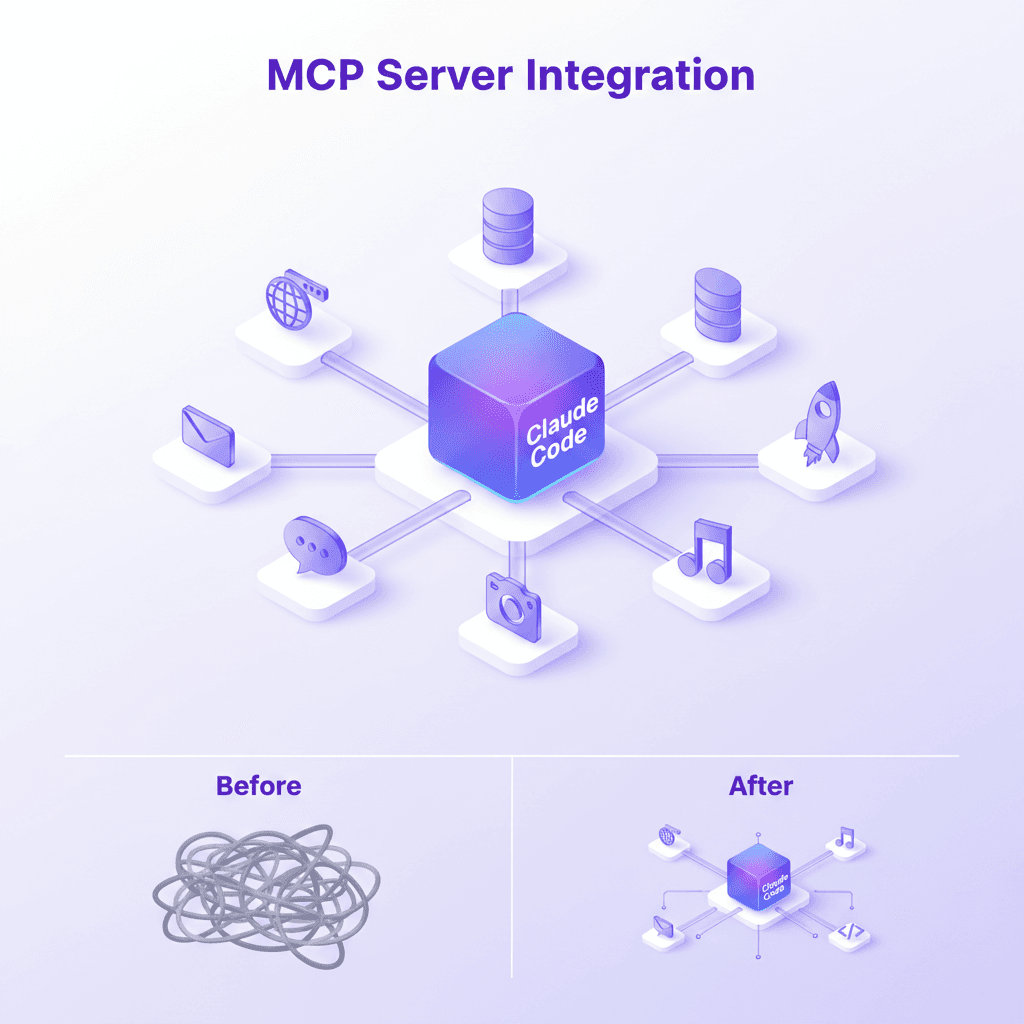
MCP Server Guide 2026: ClawHub, Smithery, and What to Install
MCP servers, registries, and the protocol connecting AI assistants to databases, APIs, browsers, and developer tools. Includes my 21-server production stack.
Read article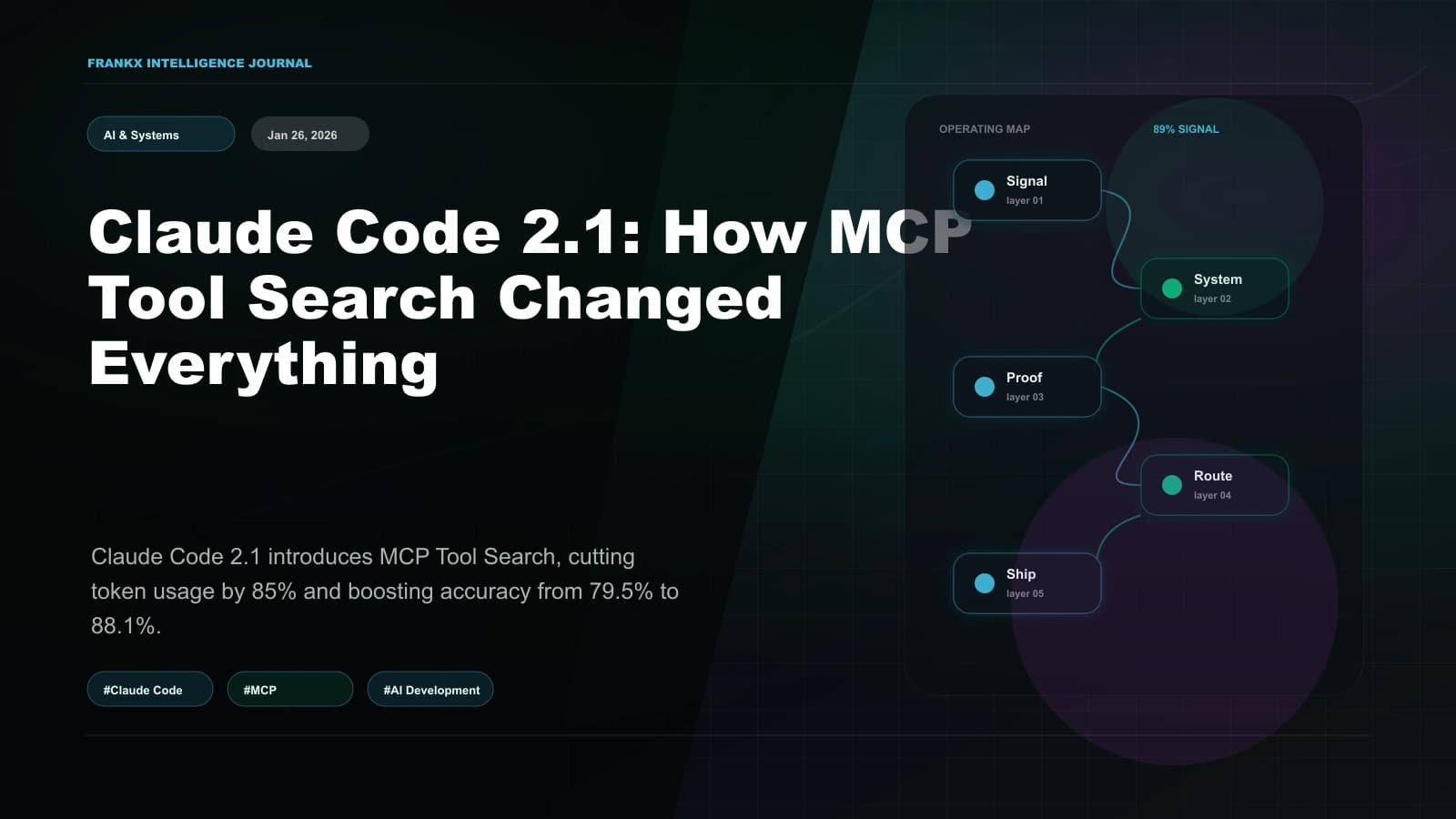
Claude Code 2.1: How MCP Tool Search Changed Everything
Claude Code 2.1 introduces MCP Tool Search, cutting token usage by 85% and boosting accuracy from 79.5% to 88.1%. An architectural analysis of the biggest productivity upgrade since launch.
Read article
Build Your First MCP Server: The Model Context Protocol Workshop
Learn to build production-grade MCP servers that connect AI to your data. Master resources, tools, and prompts with the open standard revolutionizing AI integration.
Read article