Official OpenAI plugins worth knowing: a builder’s guide
TL;DR
OpenAI-published plugins cover product design, websites, browser games, documents, data analysis, reusable workflows, and connected services. This guide separates publisher attribution from verification badges, maps the visible inventory, and recommends practical combinations. Availability depends on your account, interface, and workspace.

Choose OpenAI-published capabilities for one useful workflow and find their official setup resources.
Official OpenAI plugins worth knowing: a builder’s guide
The useful question about an AI plugin is what work becomes repeatable after you add it.
Can you turn a product brief into a prototype? Review a customer journey against screenshots? Produce a demo from your application? Capture the method behind a strong result so your next project starts from a better foundation?
OpenAI’s plugin ecosystem deserves attention because it connects those activities. For founders, creators, and AI architects, the opportunity is to build a working system around expertise: sources, instructions, tools, artifacts, and review.
Here is the map I would use to choose that system.
What “official OpenAI” means here
This guide covers plugins with explicit OpenAI author or developer attribution in the metadata inspected for this article, plus separately verified official entries. A marketplace containing OpenAI-curated plugins also contains work published by other companies. Curation alone does not establish authorship.
Likewise, an OpenAI Verified badge indicates a review of quality, reliability, and usefulness. It does not mean OpenAI published the plugin. [1]
There is another distinction: an OpenAI-published connector can access an external service. GitHub, Gmail, and Slack remain services operated by their respective providers.
Scope: this is a dated inventory of the OpenAI-attributed plugins and capabilities visible in the inspected environment on October 14, 2026. The global catalog may contain additional entries. Some entries are bundled Work capabilities or internal utilities with account-dependent visibility. Availability varies by account and interface.
Official links and installation
Use the official ChatGPT plugin directory to find the exact display names below. Directory links in the inventory open that shared directory; they are not individual installation URLs. Some bundled capabilities will not appear as separate listings.
| Official resource | Use it for |
|---|---|
| OpenAI plugin guide | Plugin structure, installation, Plugin Creator, and verification badges |
| Connected apps guide | Account authorization and access requirements |
| Codex Security documentation | Repository scans, threat models, validation, and patch review |
| OpenAI developer documentation | Official implementation reference alongside OpenAI Developers |
| OpenAI Ads | Advertising account access alongside ChatGPT Ads Manager |
Start with the plugins that produce work
Product Design, Sites, and App Previews
These cover related stages of product creation.
Product Design provides workflows for auditing journeys, exploring visual directions, and implementing selected references. Sites supports building and deploying websites. App Previews creates self-contained interactive previews inside a conversation.
My recommended workflow is to define the customer outcome, inspect the current experience, explore a small number of directions, and implement the selected one. Evaluate the result against the original journey.
Try:
Review this onboarding journey from screenshots. Identify the three largest barriers to activation, propose visual alternatives, and implement the selected direction as a responsive prototype.
This is particularly useful when a founder has a coherent product idea but the interface has accumulated decisions from several disconnected building sessions.
Game Studio and Demo Videos
Game Studio supports browser-game design, implementation, assets, and playtesting. Demo Videos supports recording and editing product demonstrations.
For a creator, these capabilities make interactive experiences and product evidence easier to produce. A small game can introduce a fictional world. A clear demo can show what an application actually does.
The quality standard should stay concrete: a game needs a satisfying playable loop; a demo needs to show a real user outcome.
Try:
Design a browser-game prototype around one repeatable mechanic. Define the win condition, implement the playable loop, and report the playtest findings.
Or:
Create a product demo showing a new user completing the application’s core task. Keep the sequence focused and make every caption explain an outcome.
WebMCP
WebMCP helps design, implement, and validate task-completing tools exposed by websites.
The architectural opportunity is to give agents reliable actions that correspond to real product tasks. Your application might expose a supported way to search a catalog, prepare a configuration, or create a draft through its existing trusted application paths.
Start with the user journey. Then choose the smallest tool surface that completes it, preserves authorization, and returns a useful result.
Turn strong outputs into reusable methods
Plugin Creator, Work Skill Creator, and Template Creator are among the most consequential entries for people building an AI operating system.
They serve different purposes:
| Capability | What to preserve |
|---|---|
| Plugin Creator | A task’s instructions, skills, and relevant tools in a plugin |
| Work Skill Creator | A reusable procedure and its quality criteria |
| Template Creator | The structure, voice, layout, or style of a proven artifact |
OpenAI documents Plugin Creator as a way to assemble plugins from skills and connected apps. Some plugins contain skills alone; others need authorized external accounts. [1]
My recommendation is to package a workflow after it has produced a useful result. Capture its inputs, decisions, checks, and output format. Test it on a different project.
Try:
Turn this completed product-launch workflow into a reusable skill. Preserve its research criteria, source requirements, artifact structure, and review gates. Test it against a second launch brief.
This is how a good conversation becomes an asset that another team member or future session can use.
Give the workflow durable context
Pages, OpenAI Library, and Personal Context help with maintaining information and retrieving relevant work. Their value increases when the source material has clear ownership and status.
Use maintained pages for decisions and project context, retained files for deliverables, and relevant prior context to reduce repeated setup. Do not assume that connecting these capabilities makes every past conversation or external account continuously available.
For an operating business, I would maintain a small set of authoritative records: the current product offer, architecture decisions, release status, and evidence behind commercial assumptions.
Add commercial analysis and code review
Data supports analytical workflows including data validation, business analysis, visualization, and reporting. Sales supplies workflows for customer and revenue work. ChatGPT Ads Manager supports advertising operations, while OpenAI Ads Conversions helps implement measurement.
Together, they can support a disciplined loop: define the offer, measure the funnel, inspect the evidence, and choose the next experiment. Access to real commercial data and configured measurement remains essential.
OpenAI Developers brings OpenAI development guidance into app and agent work. Codex Security adds repository security investigation. OpenAI describes Codex Security as building a threat model, investigating potential vulnerabilities, attempting validation, and proposing patches for review. Its cloud product has separate usage and billing considerations. [3]
For production systems, define a reviewer and a verification process before running a broad remediation effort.
The verified inventory
The following names come from the inspected OpenAI-attributed metadata. The grouping describes how I would use them; it does not imply that every entry is independently installable.
| Area | Plugins and capabilities |
|---|---|
| Product creation | Product Design; Sites; Game Studio; WebMCP; App Previews |
| Files and analysis | Documents; Presentations; Spreadsheets; PDF; Data* |
| Creative and visual output | Demo Videos; Answer Charts; Answer Images; Image Choices; Work Visualize; Writing Blocks |
| Knowledge and context | OpenAI Library; Pages; Personal Context |
| Reusable methods | Plugin Creator; Work Skill Creator; Template Creator; Default templates; Plugin Management |
| Commercial work | Sales; ChatGPT Ads Manager; OpenAI Ads Conversions |
| External-service connectors | GitHub; Gmail; Google Calendar; Google Contacts; Google Drive; Slack |
| Interaction and learning | Clarifying Questions; Learning Activities; Resolve Recipients; Pets |
| Onboarding utilities | Demos; Onboarding |
| Separately verified official entries | OpenAI Developers; Codex Security |
Data identifies OpenAI as its developer and “Data Maintainers” in its author field.
Creative Production was also available in the inspected session. Publisher attribution was not established by the metadata inspected, so it is excluded from this verified inventory.
For implementation patterns beyond this plugin inventory, inspect the FrankX AI architecture showroom.
The combinations I would start with
| Your work | Start with | Target outcome |
|---|---|---|
| Founder building a product | Product Design + Sites + Demo Videos | A reviewed experience, a working website, and a clear demonstration |
| Creator building a repeatable studio | Template Creator + Plugin Creator + Library | Reusable formats, production methods, and retained deliverables |
| AI architect shipping software | OpenAI Developers + GitHub + Codex Security | Grounded implementation and reviewable security findings |
| Team managing commercial performance | Data + Sales + authorized business sources | Evidence for pipeline, funnel, and offer decisions |
| Educator building practical learning | Pages + Presentations + Learning Activities | Maintained teaching material and interactive practice |
These are operating recommendations, not guarantees that every combination runs identically on every plan.
Installation is only one part of readiness
Open the plugin directory, inspect the publisher and included capabilities, and install the relevant plugin when offered. Complete any required account connection. OpenAI’s documentation distinguishes installation from provider authorization and workspace permissions. [1]
When something does not appear, check the plan, interface, region, workspace policy, and connected account. OpenAI explicitly notes that these factors affect availability. [2]
Measure success through the work itself: did the plugin produce the artifact, use the right source, complete the supported action, and leave a result someone can review?
Choose one recurring task. Produce a strong result with the relevant official capabilities. Capture the method. Reuse it on the next project.
That is the foundation of an AI system worth building.
FAQ
Does OpenAI Verified mean OpenAI published the plugin?
The badge records OpenAI’s review. Check the publisher separately to establish authorship.
Why is a listed capability missing from my directory?
Availability depends on your plan, interface, region, workspace, and permissions. Some entries in this inventory are bundled capabilities or internal utilities.
Does installing a plugin connect my external accounts?
Installation may begin setup. Complete any required provider authorization and verify that the intended account is connected before using its data.
Sources and verification
- OpenAI: Plugins in ChatGPT — plugin structure, verification badges, setup, and Plugin Creator.
- OpenAI: Connected apps in ChatGPT — account connections and availability.
- OpenAI: Codex Security — threat models, validation, proposed patches, and cloud billing.
- Inventory evidence: author/developer fields and capability descriptions in the plugin manifests and skill catalog inspected for this draft. These environment-specific observations are not a public global directory export.
Last checked: October 14, 2026. Recheck publisher attribution, display names, availability, and billing when choosing a plugin. No affiliate links are included.

Read on FrankX.AI — AI Architecture, Music & Creator Intelligence
Stay in the intelligence loop
Field notes on AI systems, production patterns, and builder strategy.
Continue Reading
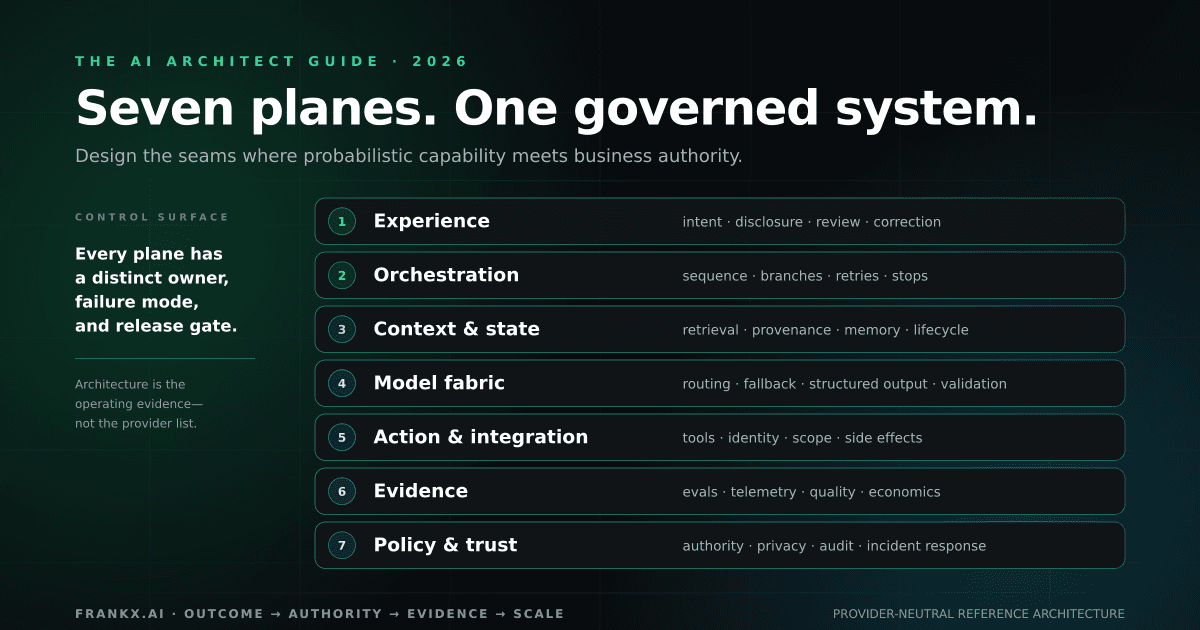
The AI Architect Guide 2026
A field guide to the decisions, system planes, evidence gates, and operating artifacts required to turn AI capability into a reliable workflow.
Read article
Grok Voice vs OpenAI Realtime vs ElevenLabs (2026)
Compare price, latency, architecture, tools, and voice quality—then choose a production voice-agent stack for web, mobile, or phone.
Read article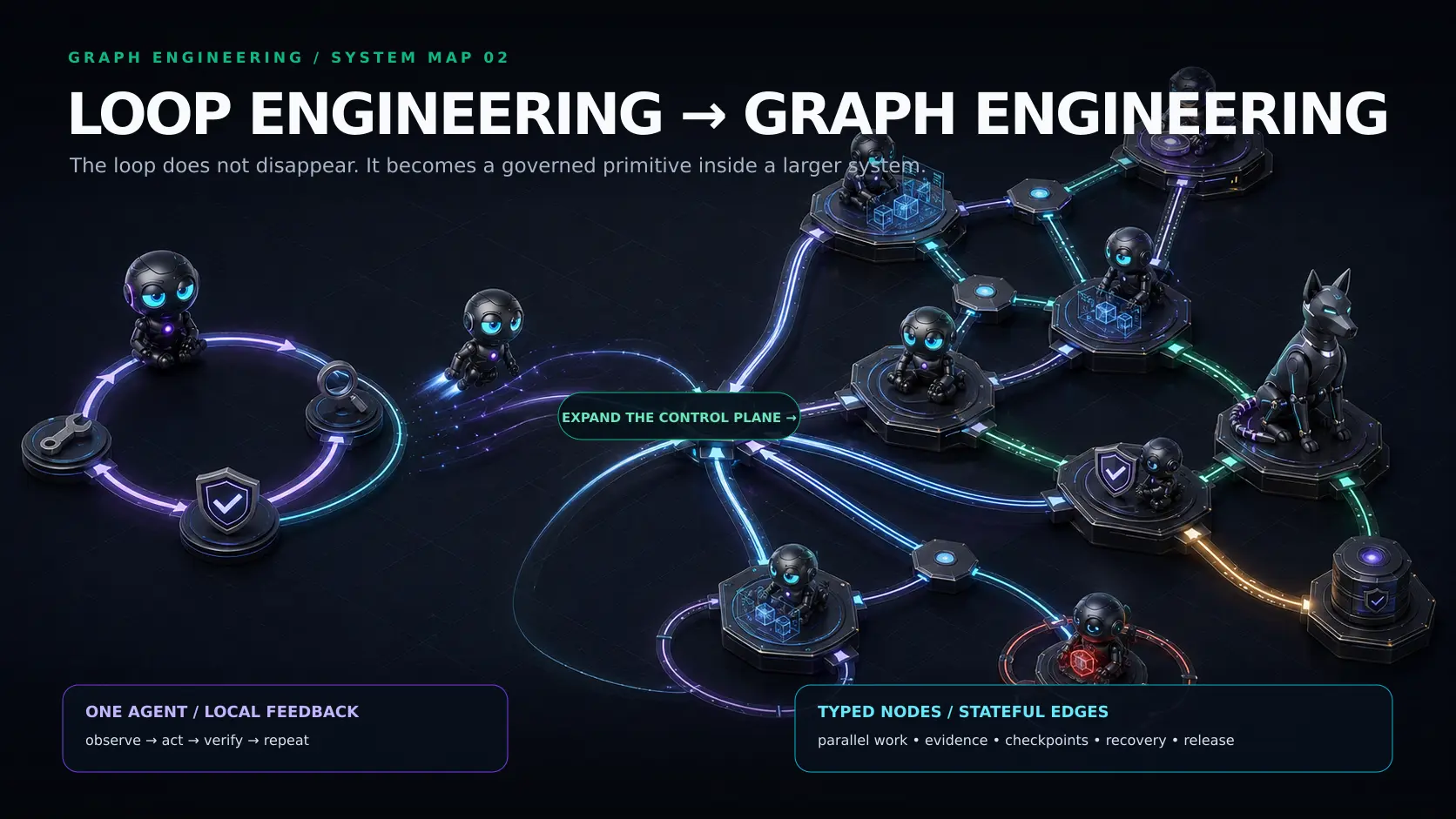
Stanford CS329Z: The AI Agent Engineering Roadmap
A fact-checked architect’s roadmap to Stanford CS329Z: agent loops, compound systems, evaluation, safety and production adoption.
Read article