I Had 18 Broken MCP Servers — So I Built a Doctor
TL;DR
How a messy Claude Code MCP configuration led to building mcp-doctor, a free open-source tool that diagnoses, optimizes, and manages your MCP server setup.

You'll understand benchmark performance, cost-efficiency trade-offs, and exact deployment patterns for the latest frontier models.
TL;DR: I had 18 MCP servers loading every Claude Code session. Eight were broken. I built mcp-doctor — a free, open-source CLI that audits your MCP configuration, detects broken servers, finds duplicates, and recommends the right setup for your workflow. Run npx mcp-doctor audit and fix your setup in seconds.
The Problem Nobody Talks About
MCP (Model Context Protocol) is the extensibility layer that makes Claude Code powerful. Install a Playwright MCP and Claude can test your web app. Add a memory server and it remembers context across sessions. Connect Slack and it can post updates for you.
The problem? MCP servers accumulate silently.
You install a few manually. Plugins auto-install others. Claude.ai connectors add more without asking. Your colleague shares a .mcp.json with five servers you don't need. Before long, your ~/.claude.json is a 1,000-line config file with servers scattered across four different scopes.
Here's what my setup looked like before I cleaned it up:
- 18 MCP servers loading every session
- 8 broken or misconfigured (missing API keys, wrong paths, duplicate registrations)
- 5 claude.ai connectors that needed authentication I never set up
- 3 npm cache corruptions causing silent failures
- 4 duplicate servers registered in multiple scopes
Every broken server added seconds to my startup time. Every misconfigured one wasted tokens when Claude tried and failed to use it. And there was zero tooling to tell me what was wrong.
What I Learned From Debugging 18 MCPs
After spending 30 minutes manually auditing my config, I identified several patterns that trip up every Claude Code user:
1. Scope Confusion
MCP servers can live in four different places:
~/.claude.json → mcpServers (user scope — loads everywhere)
~/.claude.json → projects["/path"].mcpServers (project-local)
/project/.mcp.json (shared project scope)
claude.ai connectors (platform-managed)
When you run claude mcp add, which scope does it go to? Most users don't know. This leads to the same server registered multiple times across scopes — each one spawning a separate process on startup.
2. Silent Failures
When an MCP server fails to connect, Claude Code shows a brief warning and moves on. Your session continues, but you've lost access to those tools. If you don't check claude mcp list regularly, you won't even know servers are broken.
Common failure modes:
- Corrupted npm cache —
npxfails silently with module-not-found errors - Missing environment variables — API keys set to
YOUR_API_KEY_HERE - Unauthenticated connectors — Claude.ai MCPs showing "Needs authentication" every session
- Stale paths — Node.js servers pointing to directories that no longer exist
3. No Tiering System
Not every MCP server needs to run every session. Playwright? Probably always. A lyric-genius server for music production? Only when you're making music. But Claude Code has no concept of "always-on" vs. "on-demand" — everything in your config loads at startup, every time.
Building the Solution
I wanted a tool that could do in 10 seconds what took me 30 minutes manually. The requirements were simple:
- Scan the entire Claude Code config across all scopes
- Check each server's health (does it actually start?)
- Detect duplicates, missing env vars, and scope conflicts
- Recommend which servers to keep, move to on-demand, or remove
- Generate copy-paste fix commands
The result is mcp-doctor — a TypeScript CLI tool that does exactly that.
How It Works
Quick Audit
npx mcp-doctor audit --quick
This reads your ~/.claude.json, validates all server configs, checks for missing environment variables and duplicates, and produces a health report — instantly, no process spawning.
Full Audit
npx mcp-doctor audit
The full audit actually spawns each stdio server, sends an MCP initialize handshake, and verifies the server responds. This catches npm cache corruptions, missing dependencies, and runtime errors that config-only checks miss.
Preset Recommendations
npx mcp-doctor recommend
Not sure which MCPs you need? Choose from 10 curated preset packs based on your workflow:
| Pack | Best For |
|---|---|
web-developer | Next.js, Vercel, full-stack |
content-creator | Blogging, images, email |
ai-architect | Agents, multi-model systems |
data-engineer | Databases, pipelines |
devops | CI/CD, infrastructure |
security | Auditing, pen testing |
minimal | Start clean, add what you need |
Each pack specifies which servers should be always-on (load every session) vs. on-demand (add when needed), with the exact install commands.
The Tier System
The most impactful optimization isn't removing broken servers — it's moving occasional servers to on-demand. Here's the framework:
Always-On
Servers you need in nearly every session. Load cost is justified by constant use.
- memory — Persistent knowledge graph. The one MCP every user should have.
- playwright — Testing, automation, web scraping. Essential for web development.
On-Demand
Servers you need sometimes. Add them at the start of relevant sessions, remove after.
- sequential-thinking — Structured reasoning for complex architecture decisions
- browser-use — Visual browser agent for design tools like v0.dev
- nanobanana — AI image generation
- lyric-genius — Music production sessions only
Remove
Servers that are broken, misconfigured, or redundant. They add startup latency with zero benefit.
The on-demand add commands are simple:
claude mcp add sequential-thinking -- npx -y @modelcontextprotocol/server-sequential-thinking
And removal is just:
claude mcp remove sequential-thinking
Results
After running mcp-doctor on my own setup:
| Before | After |
|---|---|
| 18 servers loading | 5 always-on |
| 8 broken | 0 broken |
| 4 duplicates | 0 duplicates |
| Health score: 50/100 | Health score: 100/100 |
Session startup is noticeably faster. No more silent tool failures. And I have documented on-demand commands for the servers I need occasionally.
Try It
npx mcp-doctor audit
It's free, open source (MIT), and takes 10 seconds to run.
If you find it useful, star the repo. If you have a workflow that needs a preset pack, open an issue.
FAQ
What is an MCP server in Claude Code?
MCP (Model Context Protocol) servers are external tools that extend Claude Code's capabilities. They run as separate processes and provide tools like browser automation (Playwright), image generation (Nanobanana), or database access. Claude Code communicates with them over stdio or HTTP using the MCP protocol standard.
How do I know if my MCP servers are broken?
Run claude mcp list to see connection status, or use npx mcp-doctor audit for a comprehensive health check that tests each server's actual connectivity, not just its configuration.
What's the difference between user scope and project-local scope?
User-scope servers (in ~/.claude.json top-level mcpServers) load in every Claude Code session regardless of which project you're in. Project-local servers only load when you open Claude Code in that specific directory. Use user scope for universal tools like Playwright; use project-local for project-specific tools.
How many MCP servers should I have?
There's no hard limit, but each server spawns a process and adds to startup time. A lean setup of 3-5 always-on servers with additional on-demand servers is the sweet spot for most developers. Use npx mcp-doctor recommend minimal to start with just the essentials.
Does mcp-doctor modify my configuration?
No. The current version is read-only — it scans and reports but doesn't change anything. The suggested fix commands are printed for you to review and run manually. A --fix flag for automatic remediation is planned for a future release.
Can I add my own preset packs?
Yes. Presets are defined in src/analyzer/presets.ts. Fork the repo, add your pack, and submit a PR. Community presets for niche workflows are welcome.
Build your first AI system
Step-by-step guide to setting up ACOS, creating your first agent, and shipping real products with AI.
Start buildingProduction-ready architecture
Download AI architecture templates, multi-agent blueprints, and prompt engineering patterns.
Browse templatesJoin the builder community
Connect with creators and architects shipping AI products. Weekly office hours, shared resources, direct access.
Join the circle
Read on FrankX.AI — AI Architecture, Music & Creator Intelligence
Stay in the intelligence loop
Weekly field notes on AI systems, production patterns, and builder strategy.
Continue Reading
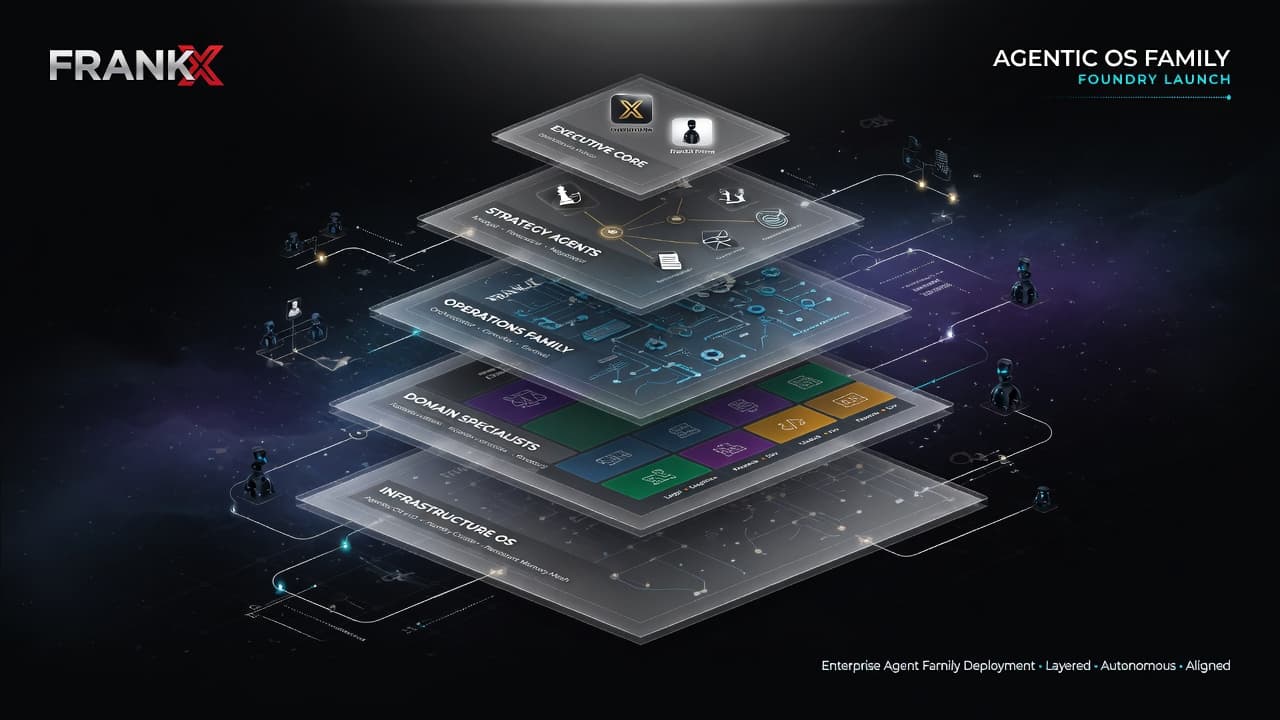
The Agentic OS Family: One Architecture, Installed Into Real Businesses
How a one-day install for a friend's company became agentic-business-os, a public template with a sync channel — and the Foundry, an application-only install service with priority for s...
Read article
AI Architecture 2026: Four Decisions Hard to Reverse
Most AI system decisions are cheap to change. Four are not: the vendor boundary, the orchestration shape, the trust boundary, and where a long run lives.
Read article
MCP in Production: Zero-Trust Tool Meshes for AI Agents
An architectural analysis of the Model Context Protocol (MCP). How to build, secure, and scale production-grade MCP servers with JSON-RPC streaming, OAuth tokens, and strict schema validation.
Read article