How to Write a CLAUDE.md That Actually Works
TL;DR
CLAUDE.md is the file Claude Code reads at the start of every session. It is your project memory — brand voice, architecture decisions, deployment workflow, anti-patterns. A good one makes Claude Code dramatically more effective. A bad one wastes context window on noise. This guide covers the exact structure I use across 170+ pages of frankx.ai, the anti-patterns that hurt performance, and a template you can copy.

You will know how to write a CLAUDE.md that makes Claude Code 10x more effective — with the exact structure, anti-patterns, and template I use daily.
TL;DR: CLAUDE.md is the file Claude Code reads first. It is active operating instructions, not documentation. Keep it under 1,500 words. Front-load critical rules in the first 500 words. Update it every time you catch Claude making a project-specific mistake. This guide covers structure, anti-patterns, and a copy-paste template.
What CLAUDE.md Actually Is
Most developers treat CLAUDE.md like documentation. That is the first mistake.
Documentation describes what something is. CLAUDE.md instructs what Claude should do. It is an operating instruction set, not a README.
I ship 170+ pages on frankx.ai across a two-repo architecture. Without CLAUDE.md, every session starts cold. The model does not know which repo deploys to production, that "AI Architect" is my title, or that I never delete pages with traffic.
With CLAUDE.md, those rules are load-bearing from the first token.
Where CLAUDE.md Files Live
Claude Code reads from three locations, in order:
Global — ~/.claude/CLAUDE.md
Rules that apply across every project. Identity, git config, session logging.
Project root — /your-project/CLAUDE.md
Architecture decisions, deployment workflows, project-specific anti-patterns.
Local override — /your-project/.claude/CLAUDE.md
Memory context, recent session logs, overflow that would bloat the main file.
Most projects need two: global + project root.
What to Put In
Quick Reference Table
First thing in the file. Maps actions to commands:
| Action | Command |
|---|---|
| Deploy to production | /frankx-ai-deploy |
| Create blog post | /frankx-ai-blog |
~50 tokens. Saves Claude from guessing which of your 40+ commands applies.
Brand and Voice Rules (2-3 lines)
- Never use negative framing. Describe what things ARE.
- "AI Architect" is the title. Avoid expanded title variants.
- Voice: first-person practitioner. Specific numbers. No generic claims.
Architecture Decisions
Two-repo architecture:
- frankxai/FrankX: private development
- frankxai/frankx.ai-vercel-website: PRODUCTION
Content must be pushed to BOTH repos to go live.
Anti-Patterns Table
Highest-leverage section. Each entry represents a real mistake:
| Bad Instinct | Correct Behavior |
|---|---|
| Rename URLs for consistency | Never rename working URLs — SEO loss |
| Delete orphan pages | Unlink from nav, keep the page |
| Consolidate routes by deletion | Fix navigation, not routes |
Update this every time you catch Claude about to do something wrong.
Deploy Workflow
Exact steps. No prose:
cp content/blog/article.mdx .worktrees/vercel-ui-ux/content/blog/
cd .worktrees/vercel-ui-ux
git add -A && git commit -m "feat: Add article"
git push origin main
What NOT to Put In
- Code snippets — they go stale. Use file:line references.
- Lengthy docs — keep under 1,500 words. Extract to separate files.
- Obvious patterns — Claude reads the code. Only add what it cannot infer.
- History — use git log, not CLAUDE.md.
Anti-Patterns That Hurt
Too long. A 5,000-word CLAUDE.md dilutes signal. Critical rules buried past 500 words receive less attention.
Too vague. "Write good code" tells Claude nothing. "Never use any without a comment explaining why" is actionable.
Contradictory rules. "Keep URLs short" + "never rename working URLs" = Claude picks one randomly.
Rules Claude cannot enforce. CLAUDE.md is read once. For programmatic enforcement, use pre-commit hooks.
My Actual Structure
- Quick Reference — Command table
- Production Deployment — Two-repo architecture, deploy steps
- Brand Positioning — Who Frank is, voice guidelines
- Content Standards — Quality bar, SEO checklist
- Decision Principles — Pre-action checklist (6 questions)
- Anti-Patterns — The "never do this" table
- Thinking Protocol — Checklist format for complex tasks
The Decision-Making Principles section has prevented three production mistakes.
The /init Command
Starting from zero:
/init
Claude scans your project, identifies the stack, and writes a draft CLAUDE.md. It is a starting point — it will not know your voice or deployment nuances. But it produces a usable skeleton in 2 minutes.
How CLAUDE.md Connects to ACOS
CLAUDE.md is layer one. ACOS adds three things it cannot do alone:
Skills — Domain-specific rules that activate contextually (SEO loads for blog posts, not API routes).
Commands — Slash commands bundling multi-step workflows (/frankx-ai-deploy).
Agent Profiles — Named configurations weighting Claude toward specific capabilities.
CLAUDE.md is the project constitution. ACOS is the role system. They work together. Full setup: ACOS + Claude Code guide.
The Template
# [Project Name] Claude Code Configuration

## Quick Reference

| Action   | Command   |
| -------- | --------- |
| [Action] | [command] |

## Deployment

[Exact steps with code blocks]

## Tech Stack

- Framework: [e.g., Next.js 15]
- Styling: [e.g., Tailwind CSS + shadcn/ui]
- Deployment: [e.g., Vercel]

## Brand Rules

- [Non-negotiable voice constraint]
- [Terminology rule]

## Anti-Patterns

| Never | Instead   |
| ----- | --------- |
| [Bad] | [Correct] |

## Decision Protocol

1. What specific problem?
2. Simplest fix?
3. What could go wrong?
4. Reversible?
Keep under 1,500 words. Update anti-patterns on every near-miss. Treat it as living instructions.
- ACOS — Build Your AI Operating System
- ACOS + Claude Code + MCP Setup
- Personal AI CoE Research
- Prompt Library
FAQ
How long should CLAUDE.md be?
Under 1,500 words for the project file. Extract overflow into skills or reference documents.
Can I have multiple CLAUDE.md files?
Yes — global (~/.claude/CLAUDE.md), project root, and .claude/CLAUDE.md. They merge in that order.
Does CLAUDE.md work with Cursor?
Cursor uses .cursorrules — different syntax, same principles. The concepts transfer.
How often should I update it?
After every session where you corrected Claude on something project-specific. The anti-patterns table should grow as you discover mistakes.
What is the difference between CLAUDE.md and skills?
CLAUDE.md loads every session. Skills activate for specific tasks. Brand rules that apply to everything go in CLAUDE.md. SEO patterns for blog posts go in a skill.

Read on FrankX.AI — AI Architecture, Music & Creator Intelligence
Stay in the intelligence loop
Field notes on AI systems, production patterns, and builder strategy.
Continue Reading
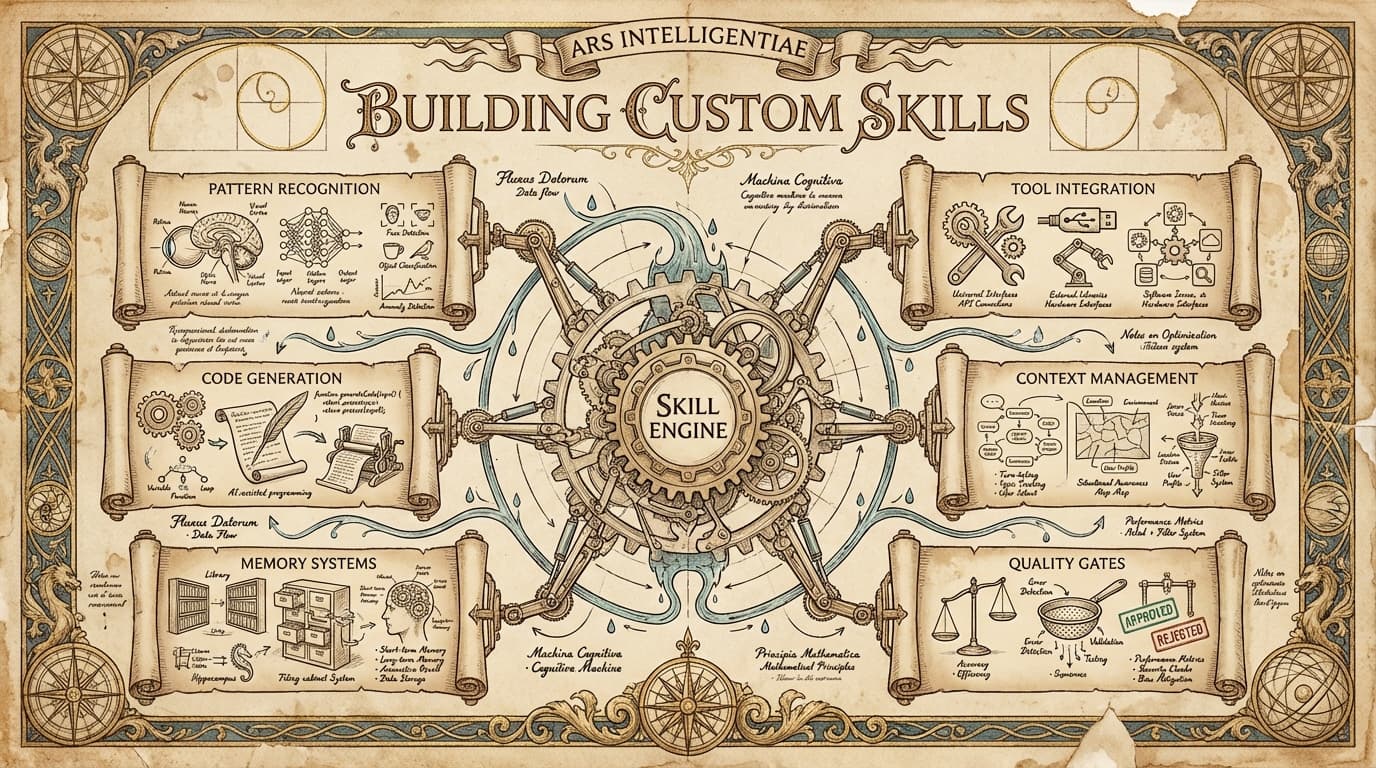
Claude Code Skills 2026: The 10 You Actually Need
Most skill libraries are noise. These 10 skills changed how I ship code, content, and products — with install commands and real examples.
Read article
Build Your Personal AI Assistant: The Complete Setup Workshop
Create a customized AI development environment from scratch. Learn to configure Claude Code, build CLAUDE.md files, create custom skills, and connect MCP servers to your workflow.
Read article
Claude Code vs Cursor 2026: A Practitioner's Verdict
Head-to-head comparison of every major AI coding agent — architecture, pricing, strengths, and which one to choose for your workflow. Updated March 2026.
Read article