How to Use Suno AI for Professional Music Production
TL;DR
Move beyond 'hit and hope' generation. A systematic workflow for using Suno AI to produce radio-ready tracks, from emotion mapping to stem mixing.

Create a track that sounds intentional, not accidental, using the Emotion Mapping technique.
How to Use Suno AI for Professional Music Production
The workflow behind 12,000+ songs.
TL;DR
Stop using Suno like a slot machine. Use the 3-stage Vibe Workflow: (1) Emotion Mapping — define core emotion, sonic texture, spatial environment, and dynamic arc before prompting; (2) Generation Loop — test the seed with intro variations, extend with intent, hallucination-check for artifacts; (3) Post-Production — separate stems, import to DAW, replace weak drums, EQ the mud, add vocal chain. Suno output is a demo. Post-production makes it a record.
Most people use Suno AI like a slot machine. Type "cool techno song," hit generate, hope for a jackpot. Sometimes they win. Usually, they get generic noise.
If you want to use AI for professional production—for syncing, streaming, or scoring—you need to stop gambling and start engineering.
At FrankX, we developed Vibe OS, a systematic approach to AI music that treats Suno not as a magic box, but as a session musician that needs clear direction.
The 3-Stage "Vibe Workflow"
Professional production isn't one step. It's a pipeline. We break it down into Ideation, Generation, and Refinement.
Stage 1: Emotion Mapping (The "Strategist" Phase)
Before you write a prompt, you need to map the "Creative Frequency" of the track. AI is literal; humans are emotional. You must bridge the gap.
Don't prompt: "Sad piano song." Prompt: "A melancholic ballad, intimate upright piano, damp room reverb, slow tempo 65bpm, lyrics about lost time, minor key, cinematic build."
The Vibe OS Emotion Lattice:
- Core Emotion: (e.g., Nostalgia)
- Sonic Texture: (e.g., Vinyl crackle, warm pads)
- Spatial Environment: (e.g., Empty hall, small bedroom)
- Dynamic Arc: (e.g., Starts whisper-quiet, ends in a wall of sound)
Stage 2: The Generation Loop (The "Creator" Phase)
Use the Iterative Generation Method. Never accept the first output.
- Test the Seed: Generate 4 variations of just the intro to dial in the sound design.
- Extend with Intent: Once you have a "Golden Seed," use the Extend feature to build the verse. Check the transition. Does it flow?
- Hallucination Check: Listen for "AI artifacts" (metallic vocals, garbled lyrics). If you hear them, cut the clip and regenerate.
Stage 3: Post-Production (The "Engineer" Phase)
This is where the amateurs stop and the pros begin. Suno's output is a "demo." To make it a "record," you need to leave the browser.
- Stem Separation: Use tools like Fadr or Lalal.ai to split the track into Vocals, Drums, Bass, and Instruments.
- DAW Integration: Drag these stems into Ableton, Logic, or FL Studio.
- Human Touch:
- Replace the Drums: AI drums often lack punch. Layer a human kick sample underneath.
- EQ the Mud: AI tracks are often "muddy" in the 200-500Hz range. Cut it out.
- Vocal Chain: Add your own compression and reverb to the vocal stem to make it sit forward in the mix.
Integrating with Your Agent Team
If you're using the Agentic Creator OS, your "Creator" agent can write the lyrics based on your concept, and your "Strategist" agent can analyze Spotify trends to suggest the best genre tags for discoverability.
Pro Tip: Use the "Connector" agent to write the metadata and release description for your track before you upload to DistroKid.
Master the System
We've compiled our library of 50+ "Golden Seed" prompts, EQ templates, and the complete Emotion Lattice into Vibe OS. It's the difference between pressing a button and producing a hit.
Start Your Session with Vibe OS
FAQ
Can you sell Suno-generated music?
Yes, with a paid subscription. Check Suno's current terms—licensing varies by plan. Many creators release commercially on Spotify, Apple Music, and streaming platforms.
How many generations does a professional track take?
Typically 5-15 generations to find a "Golden Seed." Then 3-5 extensions. A finished track might take 30-50 total generations when you count testing variations.
Do I need a DAW?
For professional release, yes. Suno output lacks the dynamic range and presence of mastered audio. Free options like Audacity work; Ableton, Logic, or FL Studio are better.
What's the best genre for Suno?
Suno excels at vocal-driven genres: pop, indie, folk, R&B. It struggles with complex jazz, classical, and extremely fast EDM. Work with its strengths while developing workarounds for limitations.
How do I avoid "AI artifacts"?
Use shorter clips (60-90 seconds), regenerate when you hear metallic vocals or garbled words, and always do a final pass with EQ to catch remaining weirdness. Stem separation helps isolate problem areas.
Related:
Build your first AI system
Step-by-step guide to setting up ACOS, creating your first agent, and shipping real products with AI.
Start buildingProduction-ready architecture
Download AI architecture templates, multi-agent blueprints, and prompt engineering patterns.
Browse templatesJoin the builder community
Connect with creators and architects shipping AI products. Weekly office hours, shared resources, direct access.
Join the circle
Read on FrankX.AI — AI Architecture, Music & Creator Intelligence
Stay in the intelligence loop
Weekly field notes on AI systems, production patterns, and builder strategy.
Continue Reading
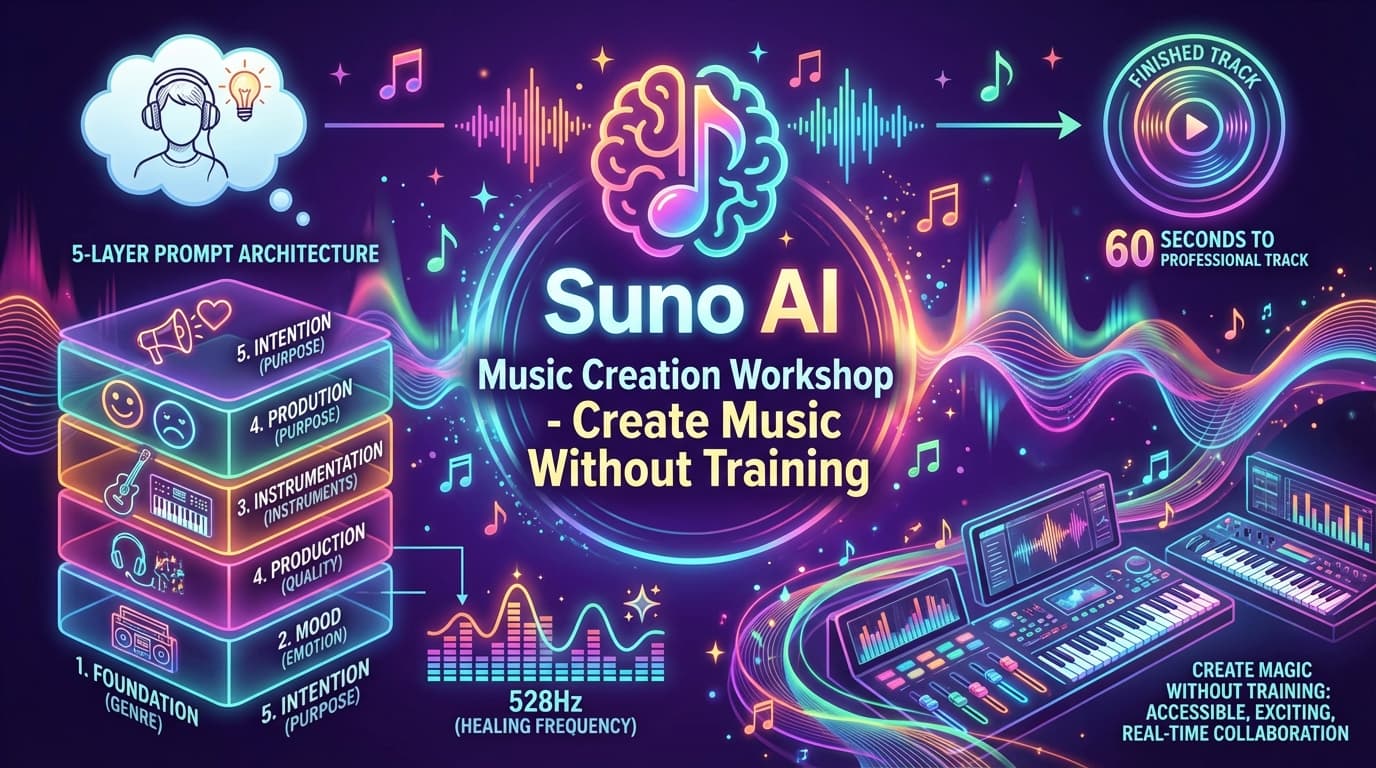
Create Music Without Musical Training: The Suno AI Music Creation Workshop
Transform your ideas into cinematic soundscapes, meditation-inspired music, and motivation anthems using AI. Learn the 5-Layer Prompt Architecture and aesthetic tuning choices for expressive audio.
Read article
Suno vs Udio 2026: Which AI Music Tool Is Safe to Release Commercially
After 12,000+ AI songs, here's the honest 2026 verdict on Suno vs Udio — and the licensing change that makes one of them risky to release commercially right now.
Read article
Best Cheap AI Music Generator 2026: Free Tiers and Commercial Rights Compared
A creator with 12,000+ AI songs compares the cheapest AI music generators in 2026 — Suno, Udio, AIVA, Riffusion, Soundraw, Mubert — on price, free-tier limits, and the one thing that de...
Read article