The 2026 AI Image & Video Playbook
TL;DR
Most creators pay twice for AI images — once for the subscription, again for the API.

You'll learn actionable architectural frameworks, core implementation steps, and production strategies for the 2026 ai image video playbook.
Most creators are paying twice for AI images. Once for the subscription they already hold — SuperGrok, ChatGPT, a Gemini plan — and again for a separate image API, for output the subscription would have generated for free.
The fix isn't a cheaper model. It's knowing which engine already lives inside a plan you pay for, and reserving paid per-call generation for the few jobs that genuinely need it. This is the table I run my own studio on.
TL;DR — the rule in one line
Use the image/video engine already included in your harness's subscription first. Pay per-call only for video, for volume past your daily quota, or when the native engine can't do the job.
Three engines you likely already own cover ~90% of real work:
| Engine | Lives in | Cost | Best at |
|---|---|---|---|
| Grok Imagine | SuperGrok ($30/mo) | Included — ~30–100/day | Cinematic, photographic heroes |
| Nano Banana Pro | Antigravity (free preview) / Google AI plan | Included | Text-heavy, technical, infographic — legible labels |
| gpt-image-2 | ChatGPT plan (via Codex $imagegen) | Included | Quick visuals while you code |
Why "native" beats a separate API
A standalone image API bills per generation. Your subscription already bundles a generous image quota you've paid for whether you use it or not. For a creator shipping 10–50 visuals a week, that difference is real money — and the subscription output is the same frontier model in most cases.
The catch worth knowing: each native engine has a personality.
- Grok Imagine is gorgeous on cinematic and photographic scenes — and it fabricates text. Ask it for a diagram with labels and you get beautiful gibberish. Great for a mood hero, wrong for a technical one.
- Nano Banana Pro (Google's Gemini 3 Pro Image, built into Antigravity) is grounded in Google Search. That's the unlock for technical work: it renders legible, accurate labels, real data, correct dates. It is the right tool the moment your image needs to say something true.
- gpt-image-2 in Codex is strong at text-in-image and convenient mid-task — but image turns burn your Codex usage limit 3–5× faster, so it's a "grab one quickly," not a batch tool.
When paying per-call is worth it
Native-first doesn't mean never-pay. Reach for a paid engine when:
- You need video. No consumer image plan covers cinematic video well. Evaluate Higgsfield for studio direction and supported agent workflows, or a documented API provider for batch generation. Compare accepted output, current credit cost and supported models before selecting either.
- You're past your daily quota on a deadline. Grok Imagine and the Gemini API both offer ~$0.02/image supplements.
- You're running a programmatic batch of hundreds — a per-call API won't throttle you on rolling windows the way a consumer plan does, and it won't eat your coding quota.
The decision flow
- Is it video? → write a shot brief, then test the models available through Higgsfield or a documented API provider. Check credit costs and completed-job status.
- Does the image need legible text / real data? → Nano Banana Pro (Antigravity), free and Search-grounded.
- Cinematic or photographic hero? → Grok Imagine, included in SuperGrok.
- Just need one quickly while coding? → Codex
$imagegen(gpt-image-2). - High-volume batch or quota exhausted? → now a paid per-call API earns its cost.
Keep your own table
Models change every few months — today's default is next quarter's fallback. The discipline that lasts isn't memorizing model names; it's maintaining one decision table and updating it when something ships. I keep mine as a small registry that exports to a CSV anyone can read, and the live version lives at frankx.ai/studio/engines.
The product was never any single model. It's the menu, the taste, and knowing what you already pay for.
Evolve Your Creative Workflow: Build Your CoE
If you are ready to stop chasing individual tools and start building a compounding system, explore the GenCreator Platform.
GenCreator adapts the six-pillar AI Center of Excellence (CoE) pattern into a practical operating system for solo builders and creators. Turn your tool stack into an automated personal engine.
👉 Start building your personal AI CoE at GenCreator.ai
Put the video workflow into practice
Use the Higgsfield production guide to plan three shots, the agent connection guide to verify tools and jobs, and the credit worksheet to calculate cost per accepted clip.
Tags

Read on FrankX.AI — AI Architecture, Music & Creator Intelligence
Stay in the intelligence loop
Field notes on AI systems, production patterns, and builder strategy.
Continue Reading
How to Build a Personal AI Center of Excellence for Under $100 a Month (2026)
Build a personal AI Center of Excellence with six pillars, a daily review ritual, and a budget worksheet that uses current vendor quotes.
Read article
The Ultimate Gamma Workflow in 2026: From Prompt to Investor-Ready Deck
A results-first workflow for Gamma in 2026 — prompt-to-pitch-deck, doc-to-deck, edit-by-chat refinement, and brand-locked templates, plus the real ROI vs. hiring a designer.
Read article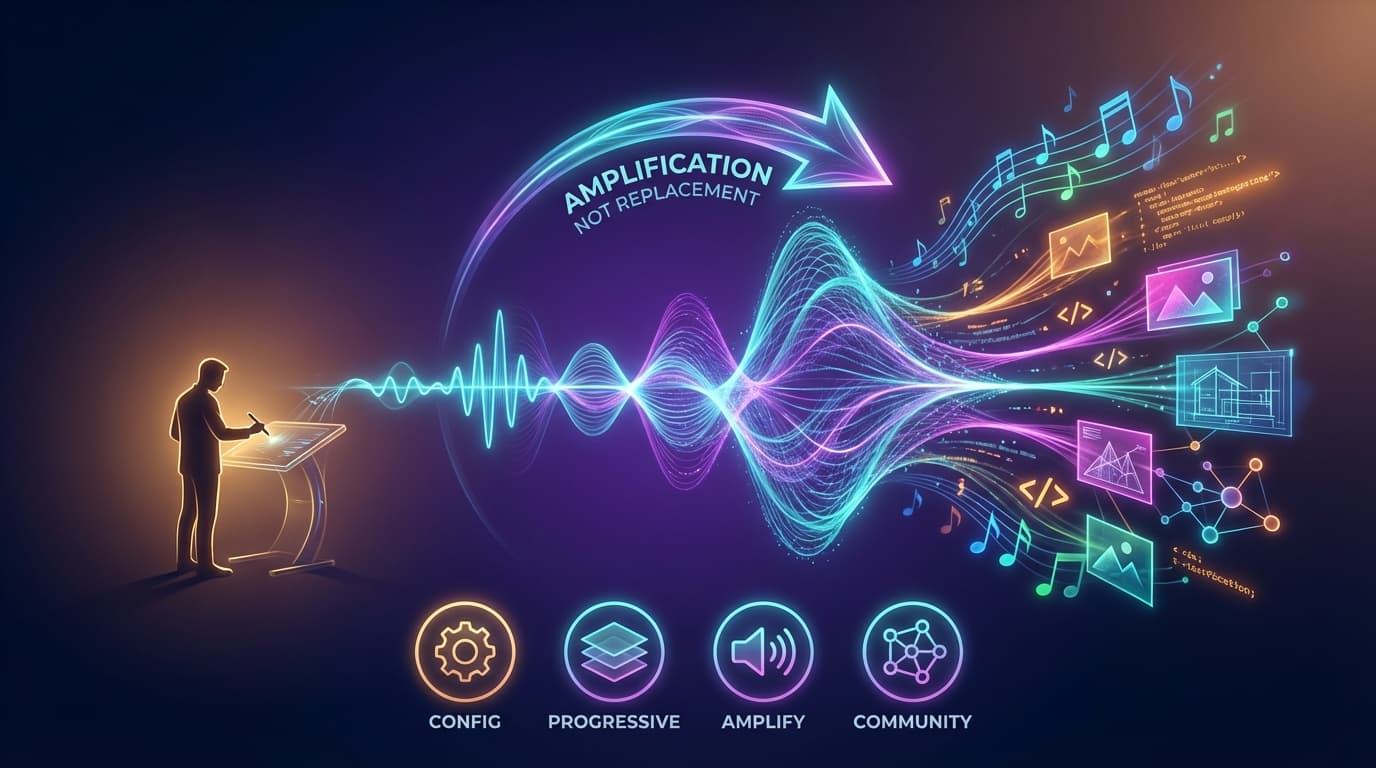
The Philosophy Behind ACOS: Technology That Amplifies, Not Replaces
The core philosophy behind Agentic Creator OS: technology amplifies human intent, taste, and genuine sovereign creativity.
Read article